

Prepare interviews and client meetings with Lisentra’s context-first workspace.

Bring the right context.
Have better conversations.

Prepare with your resume, job description, agenda, and notes. Stay present with live transcription and grounded AI support, then review what matters afterward.

Start with practice mode. No credit card required.
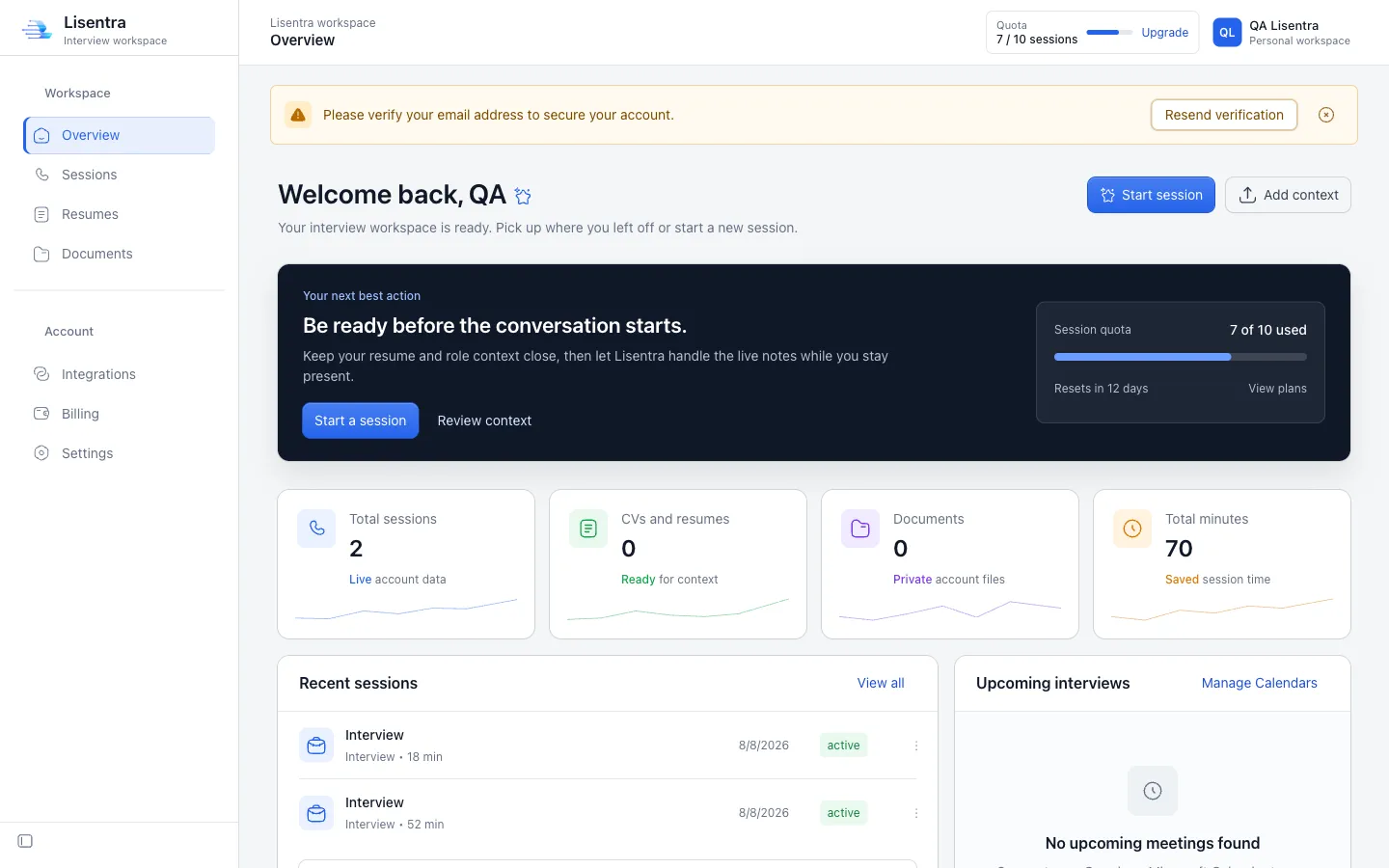
Lisentra interview workspace dashboard
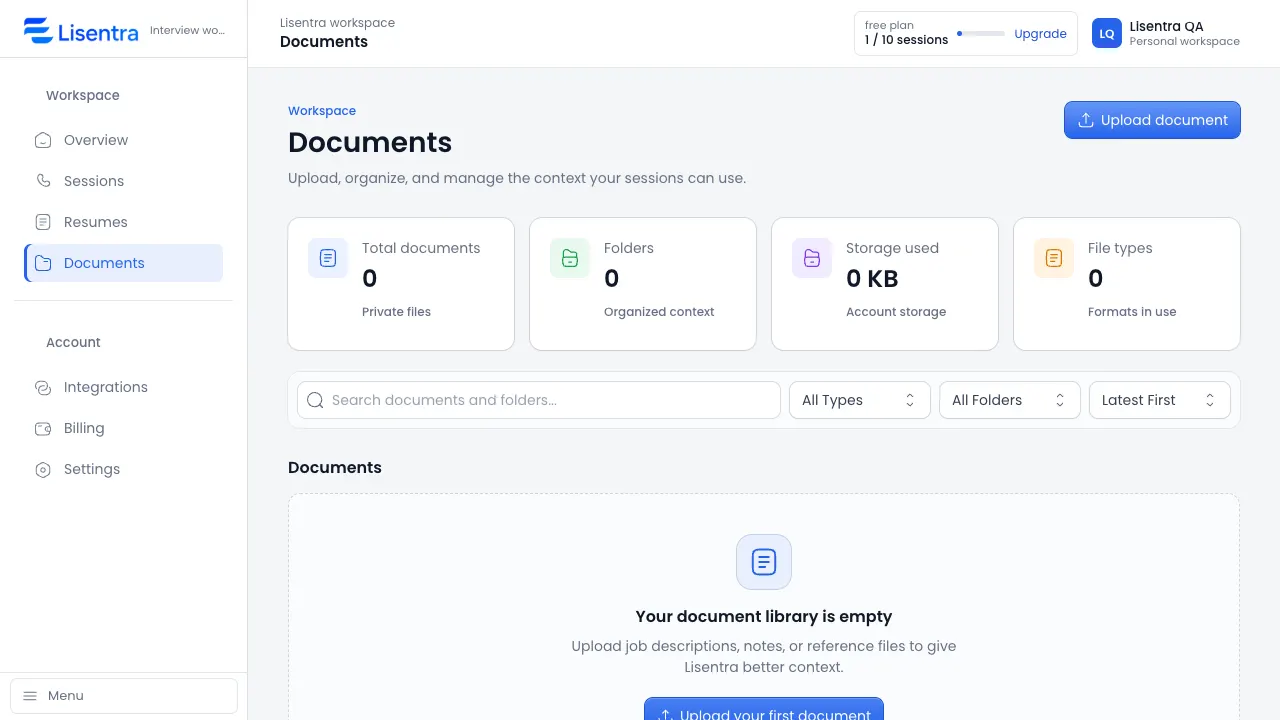
Lisentra Documents workspace showing context files ready for a session

Bring the right context to every conversation.

Add a resume and job description for an interview, or an agenda and meeting brief for a client conversation.

Start free

Stay present while Lisentra keeps up.

Live transcription and grounded AI assistance help you follow the conversation without constantly switching between tools.

Capture the conversation with live transcription.
Keep the context that matters close.
Use suggestions as support, in your own voice.
Try a session
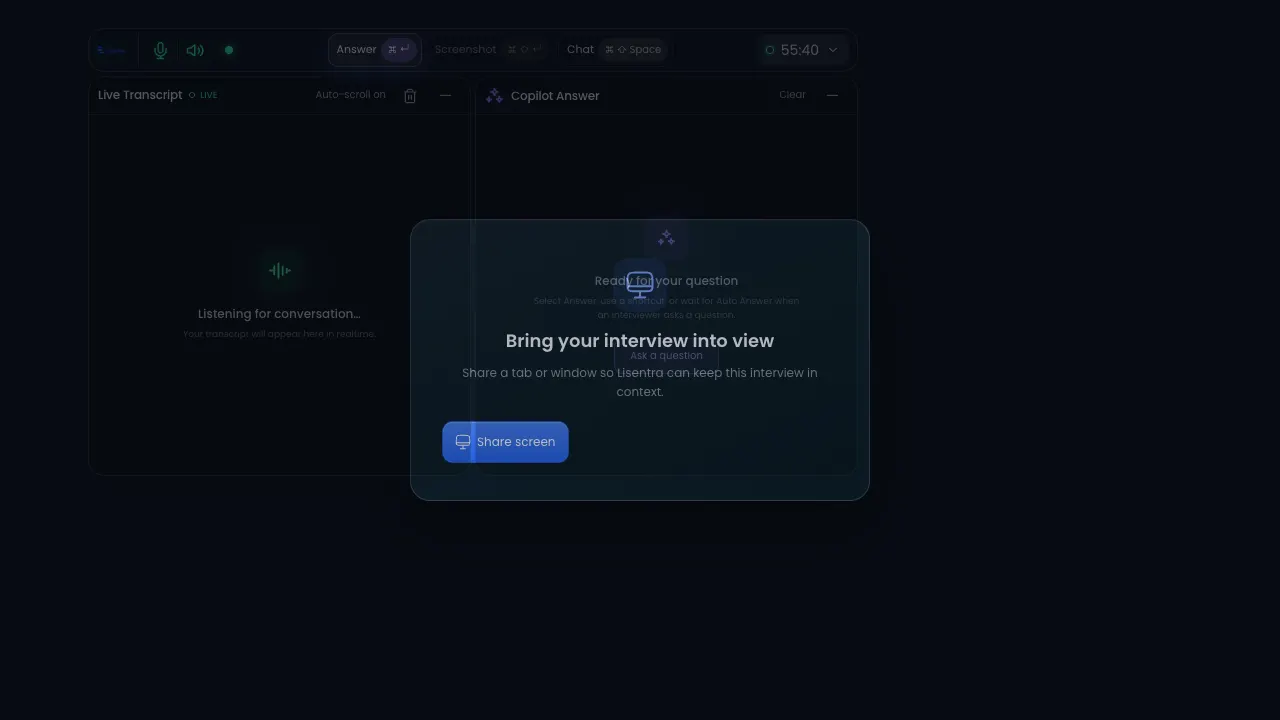
Lisentra live session with transcript and copilot answer panels
One workspace. Two modes.

The right support for the conversation in front of you.

Use the same trusted session, transcript, context, and privacy foundation for interviews or client meetings.

Interview mode

Prepare, answer, improve.

Bring your resume and job description into a focused session, then review strengths, gaps, and improved answers afterward.

  • Resume and job context
  • Live transcript and answer support
  • Interview scorecard and next steps
Client meeting mode

Capture decisions, follow through.

Add an agenda or meeting brief, stay present during the conversation, and turn the transcript into useful follow-up.

  • Agenda and meeting context
  • Decisions, actions, and risks
  • Follow-up message and next steps
One workflow

From context to a calmer conversation.

Prepare with the details you choose, stay present with live support, and revisit the session when it is done.

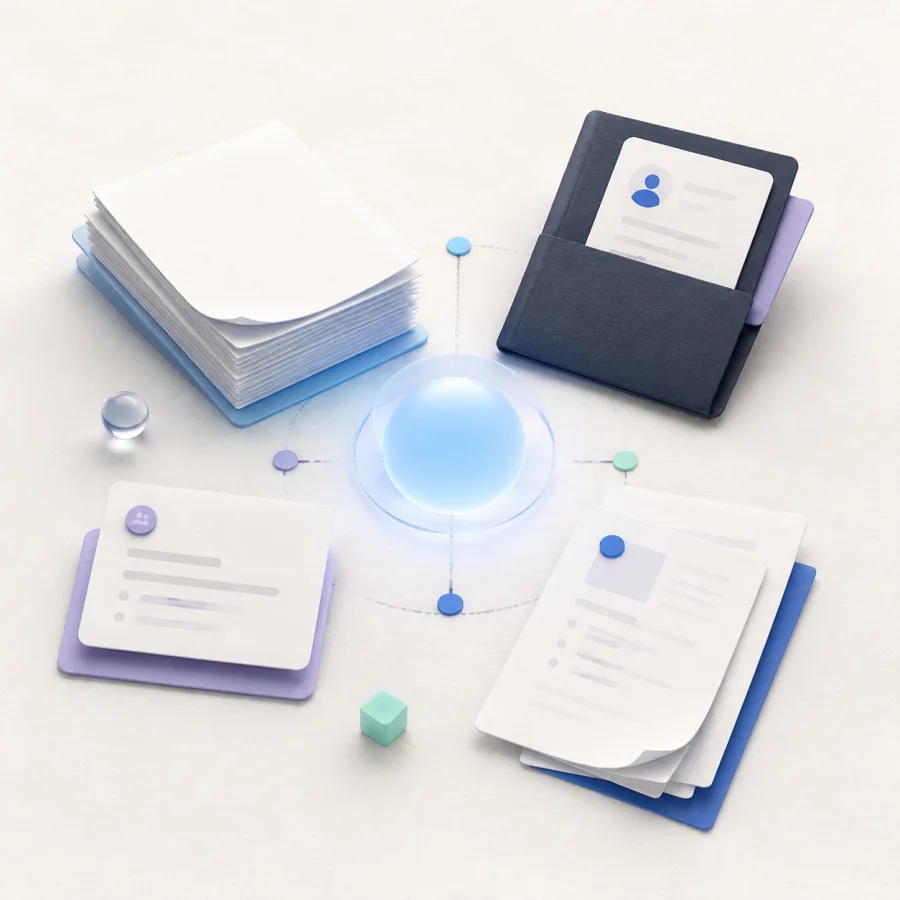
Generated editorial illustration of resume and document context connected around a calm blue center.
Context

Bring the details that matter.

Resume, meeting brief, and documents.

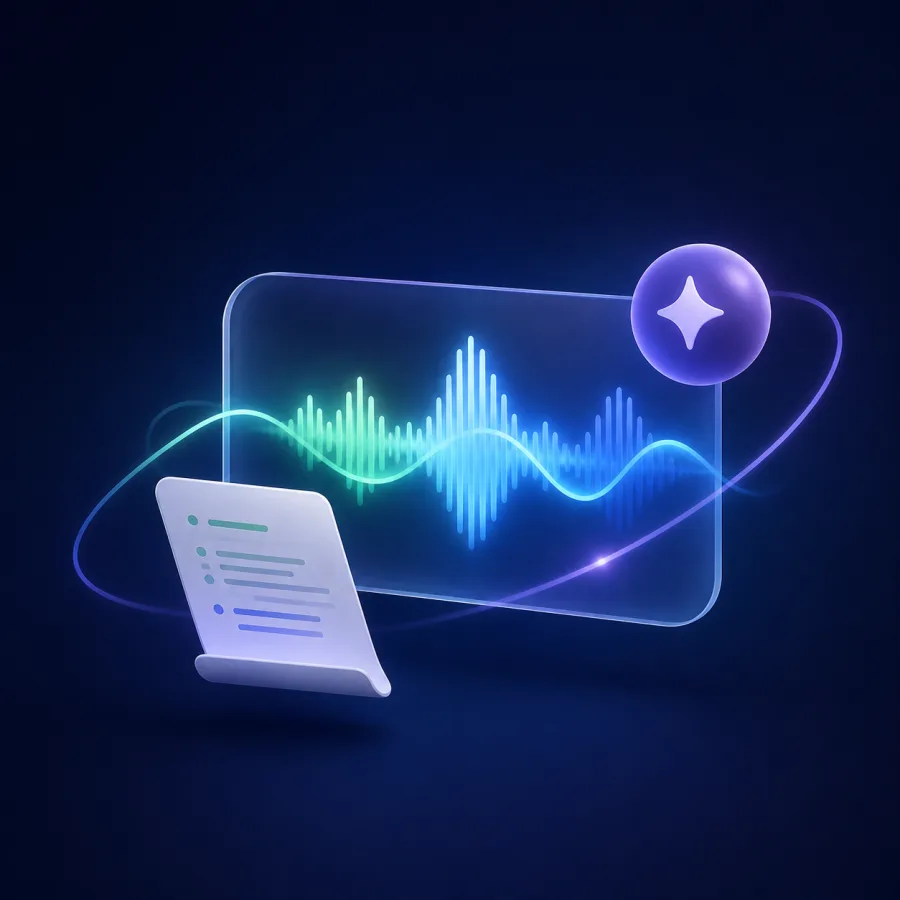
Generated editorial illustration of a live conversation waveform, transcript sheet, and AI support spark.
Live support

Stay present in the conversation.

Live transcript and grounded AI support.

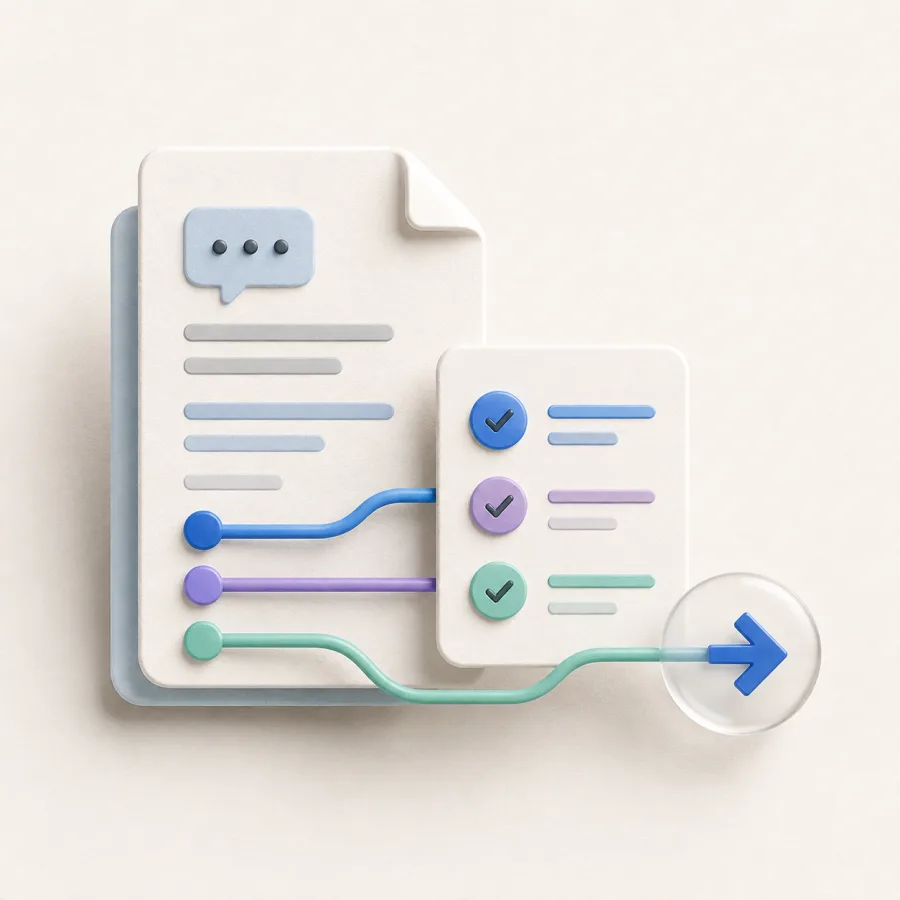
Generated editorial illustration of a saved conversation document, checklist, and forward next-step arrow.
Review

Turn the session into next steps.

Saved transcript, answers, and follow-up.

Relevant context.

Bring the role, agenda, notes, and documents that help you prepare into a reusable session context.

Grounded copilot support.

Use live transcription and AI assistance while keeping your attention on the conversation.

Private by design.

Your sessions, documents, transcripts, and answers stay in your workspace and are shared only through choices you make.

A calmer path from context to next steps.

One workspace connects preparation, live support, and review without adding more tools.

Context illustration showing a resume, job description, and documents ready for a session.
Context: Session context. Ready for your workflow. Resume, Job description, Documents.
1 place

Your conversation context

Resume, role details, agendas, notes, and documents are ready when you need them.

Live

Transcription and assistance

Keep up with the conversation without losing your own point of view.

Live support illustration showing transcript and grounded AI assistance during a conversation.
Live support: Conversation in view. Transcript + AI support. Live transcript, AI support, Listening.
Private

Workspace by design

Keep your preparation and session history in one account you control.

Prepare with the context that matters.

Move through the workflow in the order that feels natural for you.

Add context.

Upload a resume, job description, notes, or reference document for your session.

Run a live session.

Use live transcription and AI answer suggestions while you stay in the conversation.

Review and improve.

Return to your transcript and answers to make the next session stronger.

Live sessionActive
AIAnswer support available

Choose the conversation support that fits your workflow.

BIG DEAL

Free

For trying the core conversation workflow.

$0 /Month

Buy Now

Included features:

  • 10 sessions per month
  • Resume and document context
  • Session history
  • Practice mode
  • AI answer suggestions

Pro

For frequent interviewers and client conversations.

$19 /Month

Buy Now

Included features:

  • Unlimited sessions
  • Resume and document context
  • Read-only calendar context
  • AI answer suggestions
  • Priority support

Team

Shared workspaces are in development. Join the waitlist for updates.

Coming soon

Coming soon

Planned for Team:

  • Everything in Pro
  • Custom context setup
  • Team workspace
  • Shared interview notes
  • Dedicated onboarding

Ideas for better interview preparation.

Questions about Lisentra?

Here are the answers to the questions people ask before starting their first session.

What is Lisentra?
Lisentra is a context-first workspace for preparing, running, and reviewing interviews and client meetings.
What documents can I add?
Add PDF, DOCX, TXT, or MD files, plus context you enter manually, so your session can use the details that matter.
Can I use Lisentra for practice?
Yes. Start a practice session to test transcription and AI answer suggestions before an important interview or client conversation.
Does Lisentra work in the browser and desktop app?
Lisentra supports the browser dashboard and desktop session flow, so you can choose the setup that fits your workflow.
What is the difference between Interview and Client Meeting mode?
Interview mode focuses on role context, answer support, and review. Client Meeting mode is designed for agendas, decisions, action items, risks, and follow-up.
Are AI suggestions based on my context?
Lisentra uses the context and documents you select for the session. Review suggestions before using them.
Can I use Lisentra during an interview or meeting?
Only use AI assistance where the interviewer, meeting host, or applicable rules allow it.
How long does Lisentra keep my data?
Your data remains in your workspace until you delete it, subject to the Privacy Policy.

Be ready before the conversation starts.

Start free
Practice mode included.Private workspace by design.