

Prepare interviews and client meetings with Lisentra’s context-first workspace.

Bring the right context.
Have better conversations.

Prepare with your resume, job description, agenda, and notes. Stay present with live transcription and grounded AI support, then review what matters afterward.

Mulai dengan mode latihan. Tidak perlu kartu kredit.
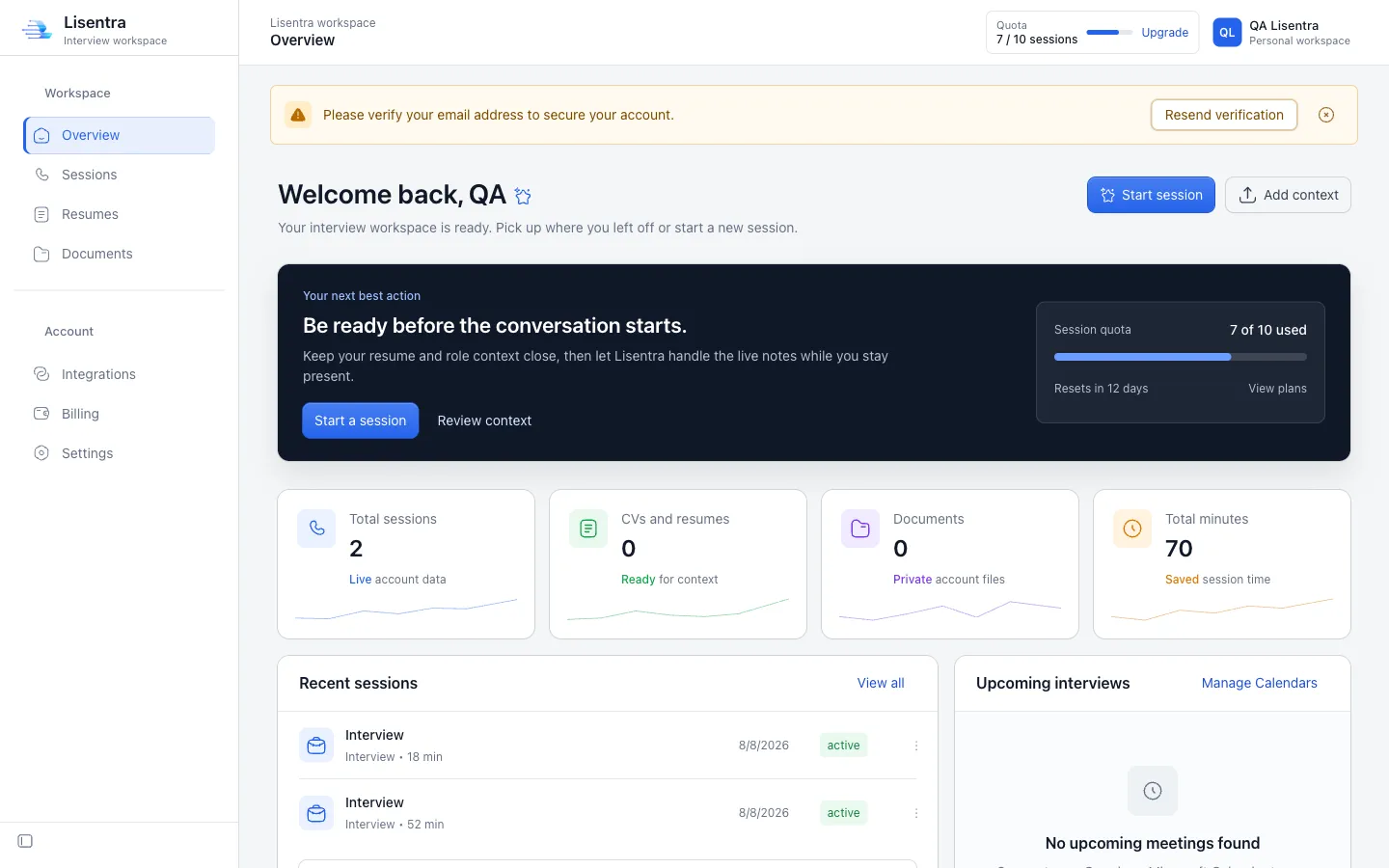
Lisentra interview workspace dashboard
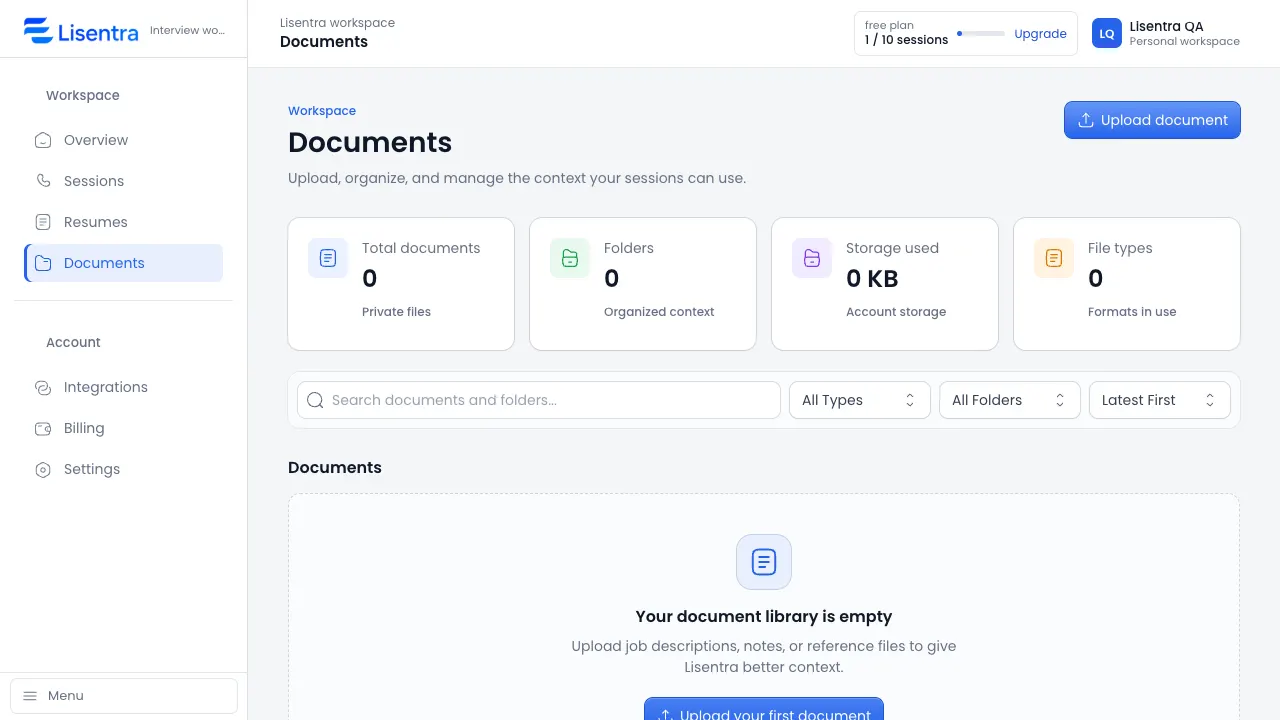
Lisentra Documents workspace showing context files ready for a session

Bring the right context to every conversation.

Add a resume and job description for an interview, or an agenda and meeting brief for a client conversation.

Mulai gratis

Tetap fokus sementara Lisentra mengikuti percakapan.

Live transcription and grounded AI assistance help you follow the conversation without constantly switching between tools.

Tangkap percakapan dengan transkripsi langsung.
Keep the context that matters close.
Gunakan saran sebagai dukungan, dengan suara Anda sendiri.
Coba sesi
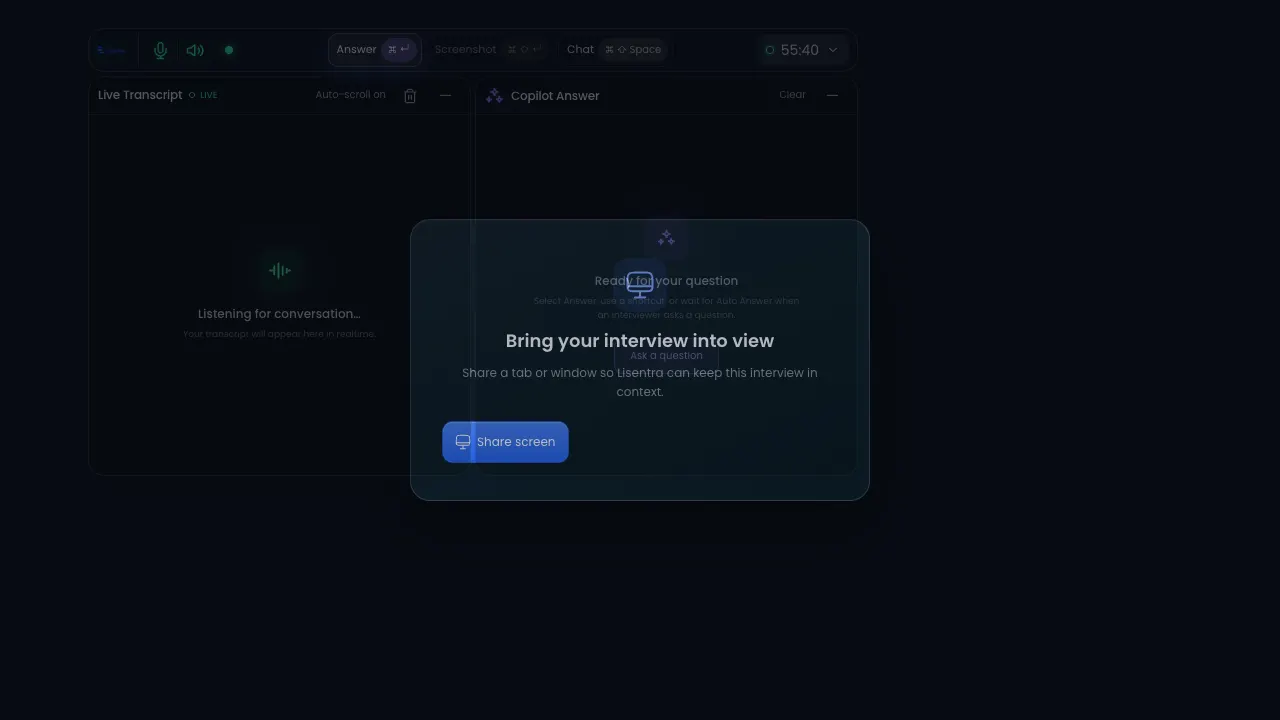
Lisentra live session with transcript and copilot answer panels
One workspace. Two modes.

The right support for the conversation in front of you.

Use the same trusted session, transcript, context, and privacy foundation for interviews or client meetings.

Interview mode

Prepare, answer, improve.

Bring your resume and job description into a focused session, then review strengths, gaps, and improved answers afterward.

  • Resume and job context
  • Live transcript and answer support
  • Interview scorecard and next steps
Client meeting mode

Capture decisions, follow through.

Add an agenda or meeting brief, stay present during the conversation, and turn the transcript into useful follow-up.

  • Agenda and meeting context
  • Decisions, actions, and risks
  • Follow-up message and next steps
One workflow

From context to a calmer conversation.

Prepare with the details you choose, stay present with live support, and revisit the session when it is done.

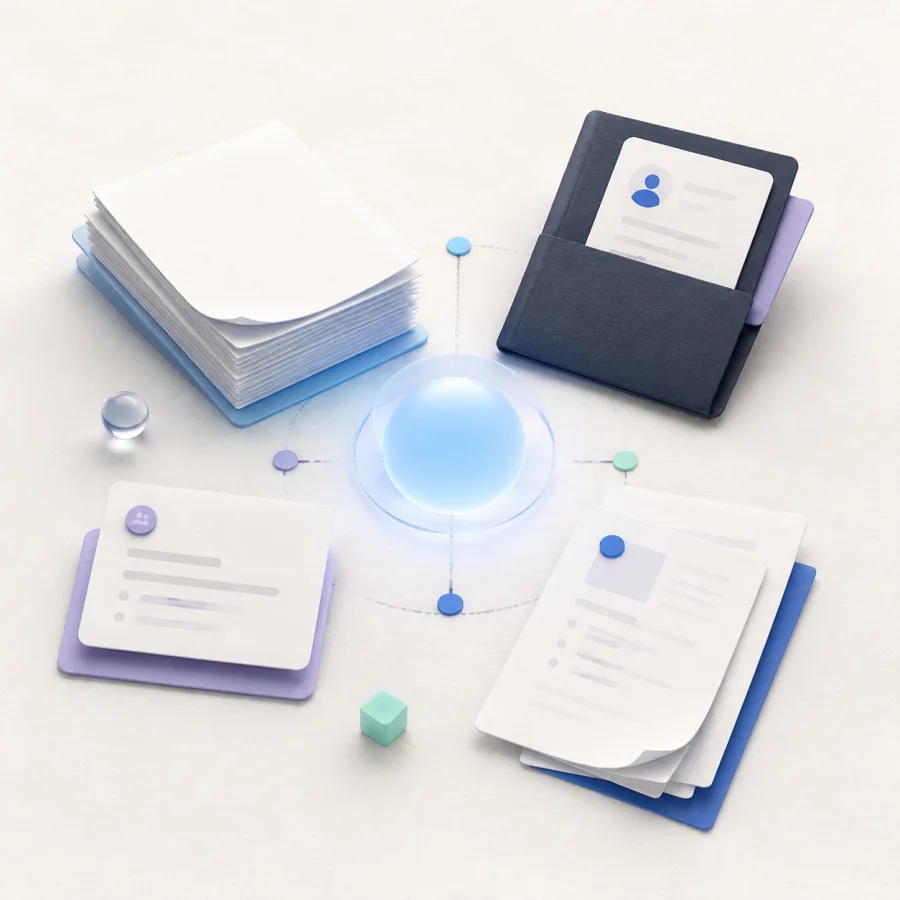
Generated editorial illustration of resume and document context connected around a calm blue center.
Konteks

Bring the details that matter.

Resume, meeting brief, and documents.

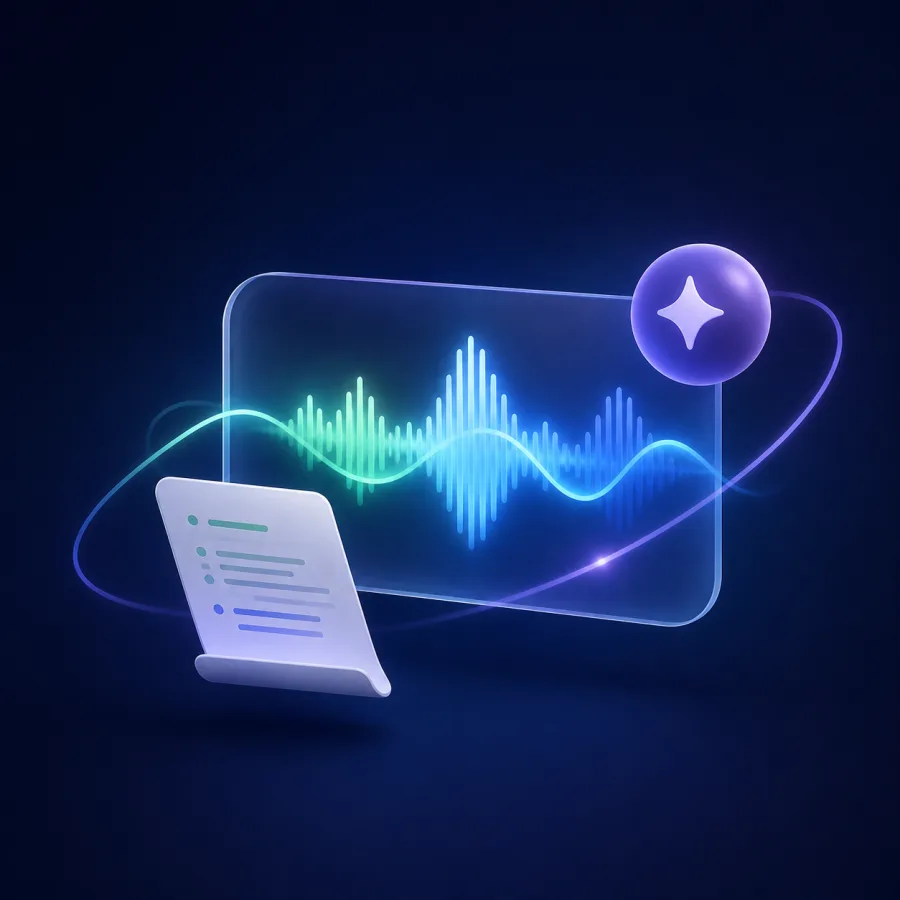
Generated editorial illustration of a live conversation waveform, transcript sheet, and AI support spark.
Live support

Stay present in the conversation.

Live transcript and grounded AI support.

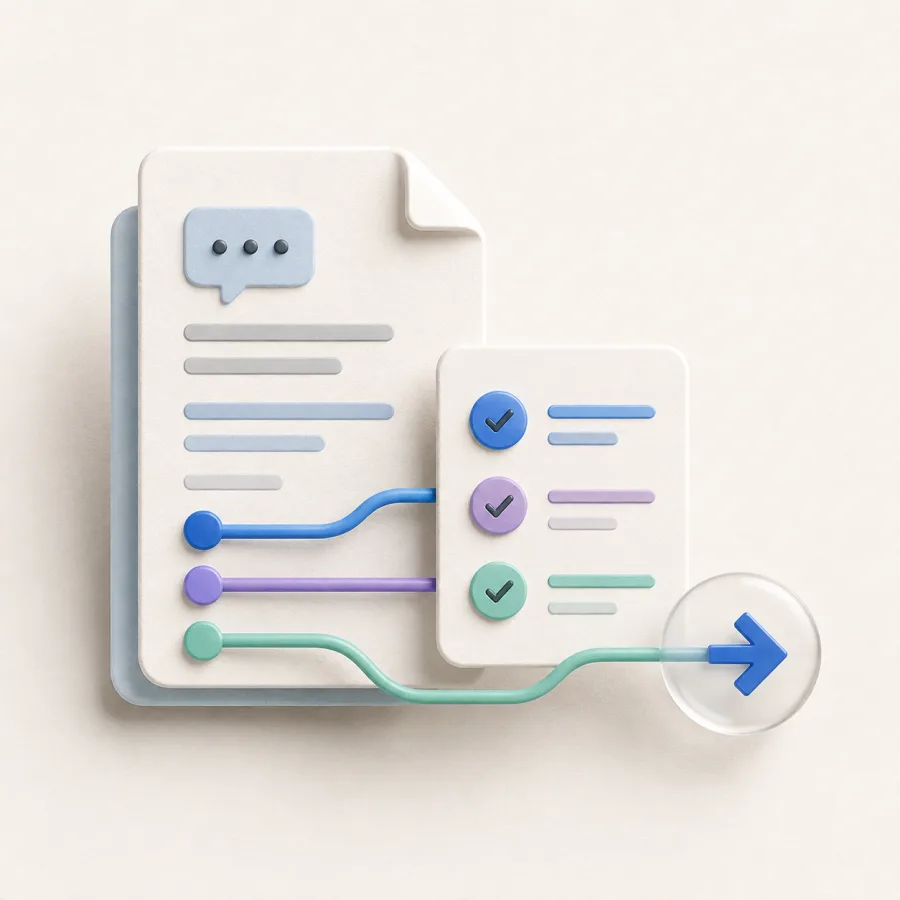
Generated editorial illustration of a saved conversation document, checklist, and forward next-step arrow.
Review

Turn the session into next steps.

Saved transcript, answers, and follow-up.

Relevant context.

Bring the role, agenda, notes, and documents that help you prepare into a reusable session context.

Grounded copilot support.

Use live transcription and AI assistance while keeping your attention on the conversation.

Privat sejak awal.

Sesi, dokumen, transkrip, dan jawaban Anda tetap di workspace dan hanya dibagikan melalui pilihan Anda.

A calmer path from context to next steps.

One workspace connects preparation, live support, and review without adding more tools.

Context illustration showing a resume, job description, and documents ready for a session.
Context: Session context. Ready for your workflow. Resume, Job description, Documents.
1 tempat

Your conversation context

Resume, role details, agendas, notes, and documents are ready when you need them.

Langsung

Transcription and assistance

Ikuti percakapan tanpa kehilangan sudut pandang Anda sendiri.

Live support illustration showing transcript and grounded AI assistance during a conversation.
Live support: Conversation in view. Transcript + AI support. Live transcript, AI support, Listening.
Privat

Workspace privat sejak awal

Simpan persiapan dan riwayat sesi di satu akun yang Anda kendalikan.

Siapkan konteks yang penting.

Jalani alur kerja dalam urutan yang terasa alami bagi Anda.

Tambahkan konteks.

Unggah resume, deskripsi pekerjaan, catatan, atau dokumen referensi untuk sesi Anda.

Jalankan sesi langsung.

Gunakan transkripsi langsung dan saran jawaban AI sambil tetap berada dalam percakapan.

Review dan tingkatkan.

Kembali ke transkrip dan jawaban untuk membuat sesi berikutnya lebih kuat.

Sesi langsungAktif
AIDukungan jawaban tersedia

Choose the conversation support that fits your workflow.

PENAWARAN BESAR

Gratis

Untuk mencoba alur percakapan inti.

$0 /Bulan

Beli Sekarang

Fitur yang termasuk:

  • 10 sessions per month
  • Konteks resume dan dokumen
  • Riwayat sesi
  • Mode latihan
  • Saran jawaban AI

Pro

For frequent interviewers and client conversations.

$19 /Bulan

Beli Sekarang

Fitur yang termasuk:

  • Sesi tanpa batas
  • Konteks resume dan dokumen
  • Konteks kalender read-only
  • Saran jawaban AI
  • Dukungan prioritas

Team

Shared workspaces are in development. Join the waitlist for updates.

Segera hadir

Segera hadir

Planned for Team:

  • Semua fitur Pro
  • Pengaturan konteks khusus
  • Workspace tim
  • Catatan wawancara bersama
  • Onboarding khusus

Ide untuk persiapan wawancara yang lebih baik.

Pertanyaan tentang Lisentra?

Berikut jawaban atas pertanyaan yang sering ditanyakan sebelum memulai sesi pertama.

Apa itu Lisentra?
Lisentra adalah workspace context-first untuk menyiapkan, menjalankan, dan meninjau wawancara serta meeting klien.
What documents can I add?
Add PDF, DOCX, TXT, or MD files, plus context you enter manually, so your session can use the details that matter.
Bisakah saya menggunakan Lisentra untuk latihan?
Ya. Mulai sesi latihan untuk menguji transkripsi dan saran jawaban AI sebelum wawancara atau percakapan klien penting.
Apakah Lisentra bekerja di browser dan aplikasi desktop?
Lisentra mendukung dashboard browser dan alur sesi desktop, sehingga Anda dapat memilih setup yang sesuai.
What is the difference between Interview and Client Meeting mode?
Interview mode focuses on role context, answer support, and review. Client Meeting mode is designed for agendas, decisions, action items, risks, and follow-up.
Are AI suggestions based on my context?
Lisentra uses the context and documents you select for the session. Review suggestions before using them.
Can I use Lisentra during an interview or meeting?
Only use AI assistance where the interviewer, meeting host, or applicable rules allow it.
How long does Lisentra keep my data?
Your data remains in your workspace until you delete it, subject to the Privacy Policy.

Siap sebelum percakapan dimulai.

Mulai gratis
Mode latihan tersedia.Workspace privat sejak awal.