

Prepare interviews and client meetings with Lisentra’s context-first workspace.

Bring the right context.
Have better conversations.

Prepare with your resume, job description, agenda, and notes. Stay present with live transcription and grounded AI support, then review what matters afterward.

Comece pelo modo de prática. Não é necessário cartão de crédito.
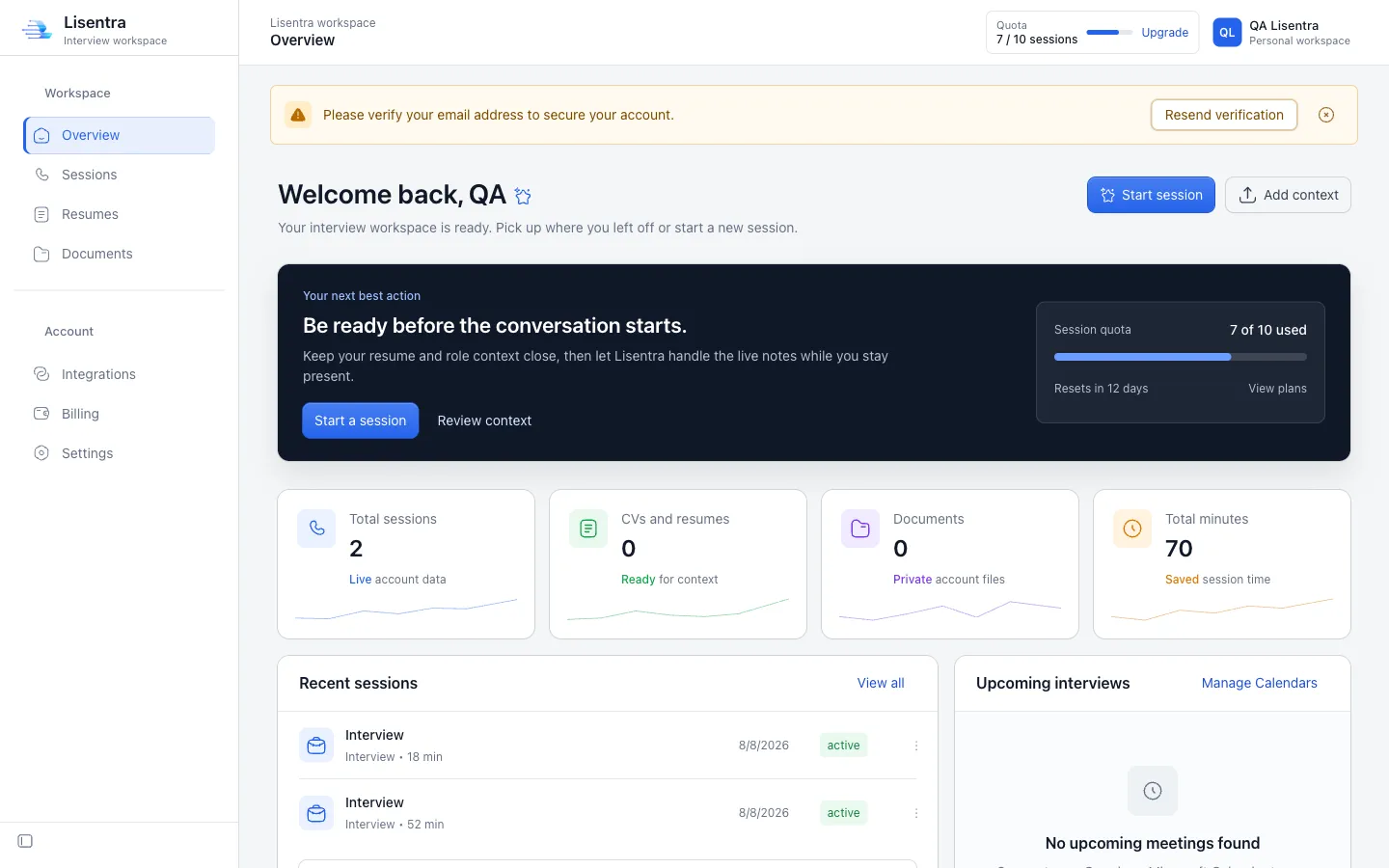
Lisentra interview workspace dashboard
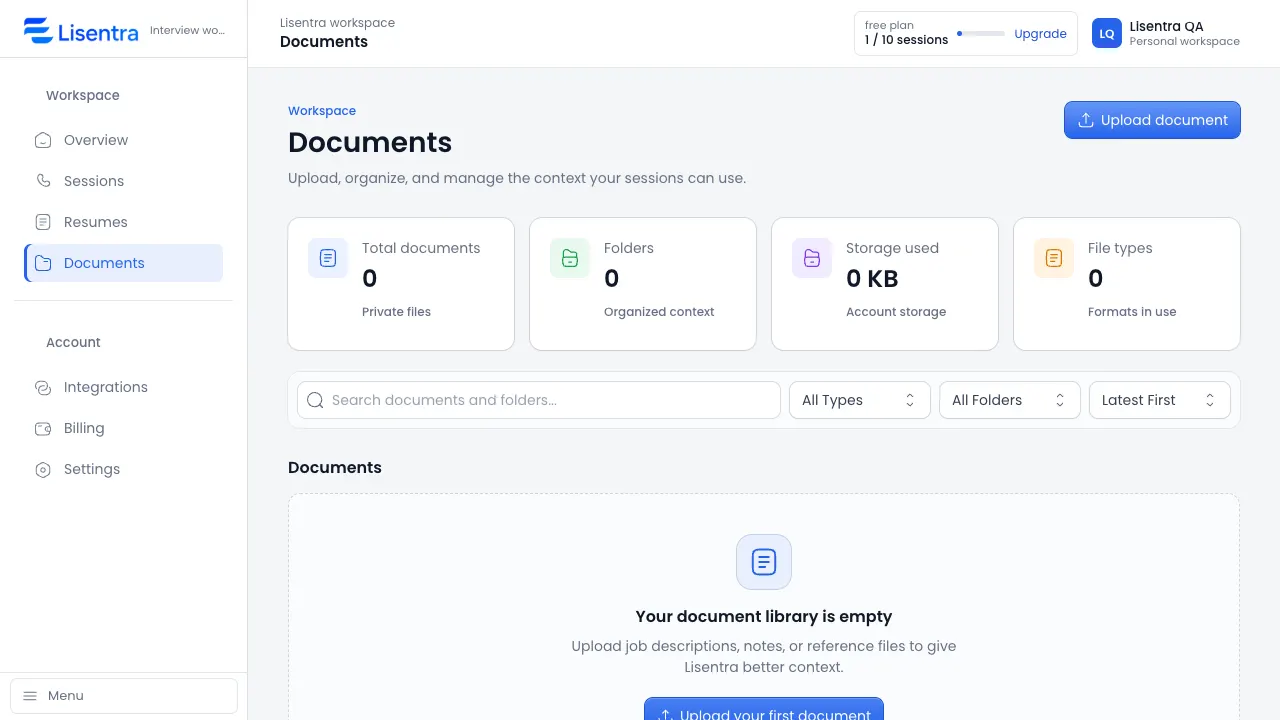
Lisentra Documents workspace showing context files ready for a session

Bring the right context to every conversation.

Add a resume and job description for an interview, or an agenda and meeting brief for a client conversation.

Começar grátis

Fique presente enquanto a Lisentra acompanha tudo.

Live transcription and grounded AI assistance help you follow the conversation without constantly switching between tools.

Capture a conversa com transcrição ao vivo.
Keep the context that matters close.
Use as sugestões como apoio, com sua própria voz.
Experimente uma sessão
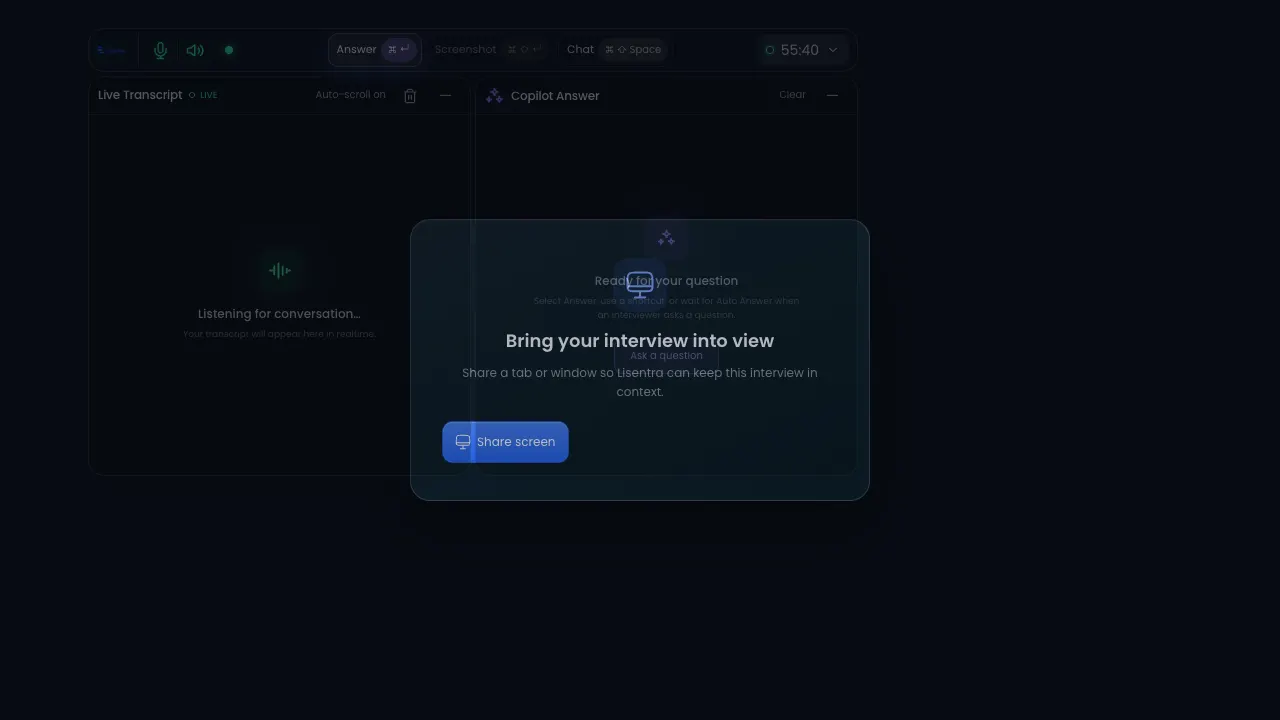
Lisentra live session with transcript and copilot answer panels
One workspace. Two modes.

The right support for the conversation in front of you.

Use the same trusted session, transcript, context, and privacy foundation for interviews or client meetings.

Interview mode

Prepare, answer, improve.

Bring your resume and job description into a focused session, then review strengths, gaps, and improved answers afterward.

  • Resume and job context
  • Live transcript and answer support
  • Interview scorecard and next steps
Client meeting mode

Capture decisions, follow through.

Add an agenda or meeting brief, stay present during the conversation, and turn the transcript into useful follow-up.

  • Agenda and meeting context
  • Decisions, actions, and risks
  • Follow-up message and next steps
One workflow

From context to a calmer conversation.

Prepare with the details you choose, stay present with live support, and revisit the session when it is done.

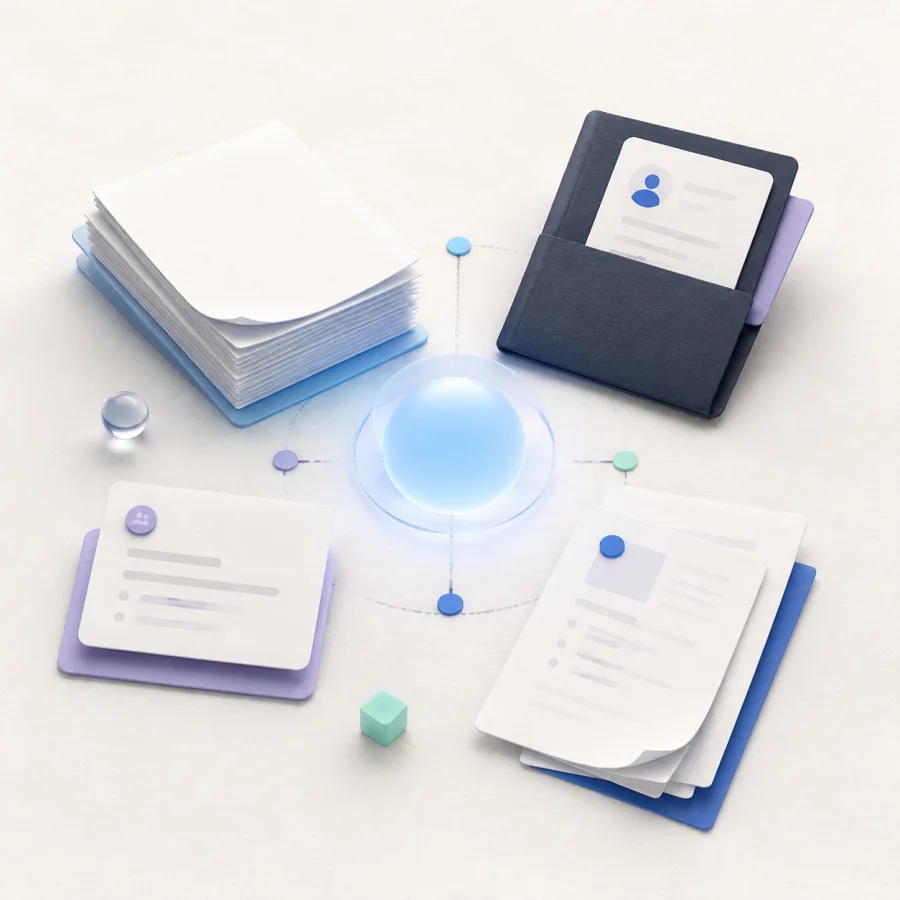
Generated editorial illustration of resume and document context connected around a calm blue center.
Contexto

Bring the details that matter.

Resume, meeting brief, and documents.

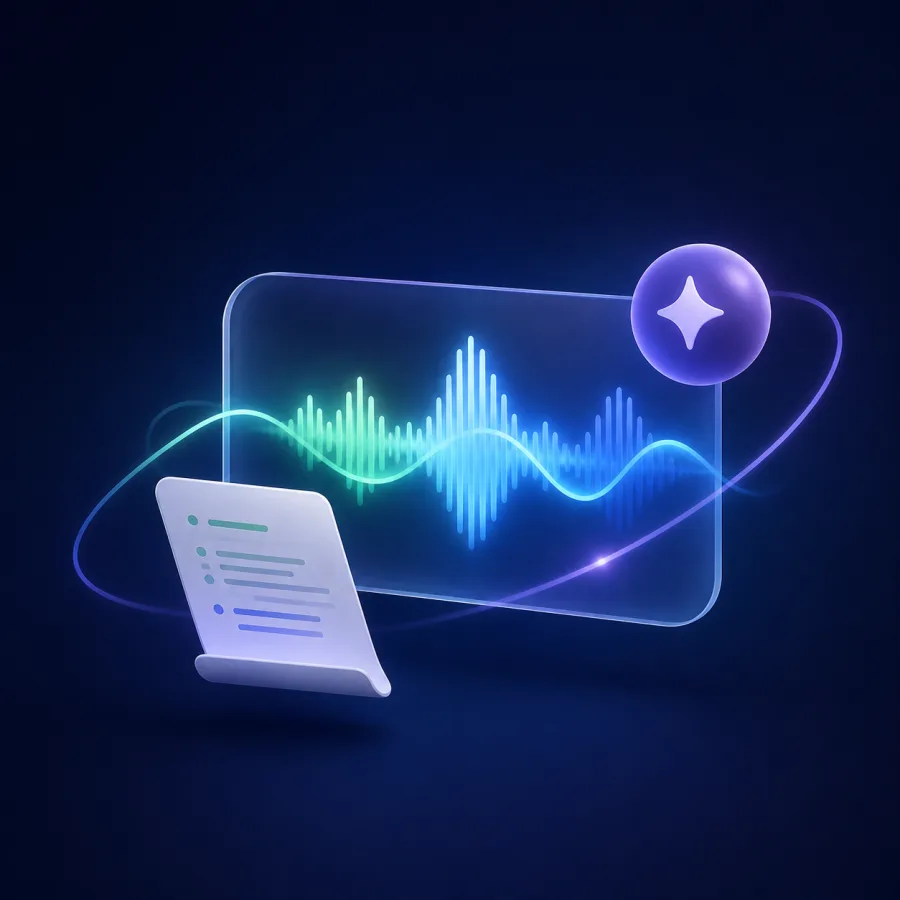
Generated editorial illustration of a live conversation waveform, transcript sheet, and AI support spark.
Live support

Stay present in the conversation.

Live transcript and grounded AI support.

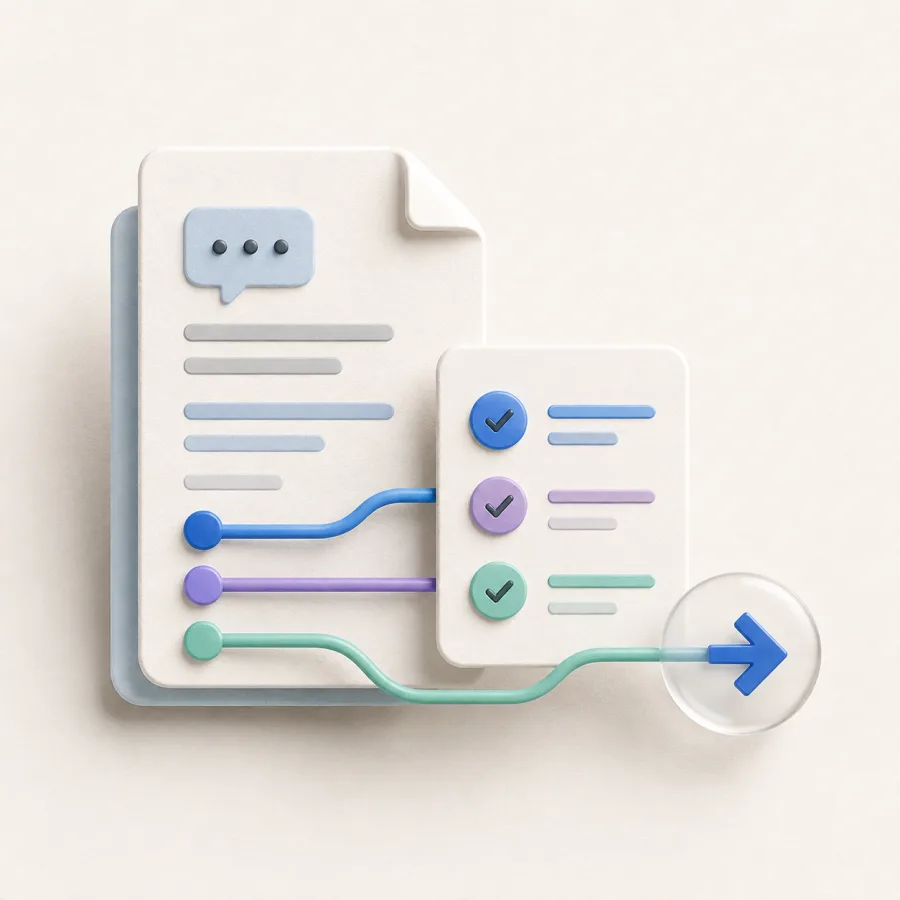
Generated editorial illustration of a saved conversation document, checklist, and forward next-step arrow.
Revisão

Turn the session into next steps.

Saved transcript, answers, and follow-up.

Relevant context.

Bring the role, agenda, notes, and documents that help you prepare into a reusable session context.

Grounded copilot support.

Use live transcription and AI assistance while keeping your attention on the conversation.

Privado desde o início.

Suas sessões, documentos, transcrições e respostas ficam no seu workspace e só são compartilhados por escolha sua.

A calmer path from context to next steps.

One workspace connects preparation, live support, and review without adding more tools.

Context illustration showing a resume, job description, and documents ready for a session.
Context: Session context. Ready for your workflow. Resume, Job description, Documents.
1 lugar

Your conversation context

Resume, role details, agendas, notes, and documents are ready when you need them.

Ao vivo

Transcription and assistance

Acompanhe a conversa sem perder seu próprio ponto de vista.

Live support illustration showing transcript and grounded AI assistance during a conversation.
Live support: Conversation in view. Transcript + AI support. Live transcript, AI support, Listening.
Privado

Privado desde o início

Mantenha sua preparação e o histórico de sessões em uma conta que você controla.

Prepare-se com o contexto que importa.

Passe pelo fluxo na ordem que fizer sentido para você.

Adicione contexto.

Envie um currículo, descrição da vaga, notas ou documento de referência para sua sessão.

Execute uma sessão ao vivo.

Use transcrição ao vivo e sugestões de IA enquanto permanece na conversa.

Revise e melhore.

Volte à transcrição e às respostas para fortalecer a próxima sessão.

Sessão ao vivoAtivo
IASuporte para respostas disponível

Choose the conversation support that fits your workflow.

OFERTA ESPECIAL

Grátis

Para experimentar o fluxo principal de conversas.

$0 /Mês

Comprar agora

Recursos incluídos:

  • 10 sessions per month
  • Contexto do currículo e dos documentos
  • Histórico de sessões
  • Modo de prática
  • Sugestões de respostas de IA

Pro

For frequent interviewers and client conversations.

$19 /Mês

Comprar agora

Recursos incluídos:

  • Sessões ilimitadas
  • Contexto do currículo e dos documentos
  • Contexto de calendário somente leitura
  • Sugestões de respostas de IA
  • Suporte prioritário

Team

Shared workspaces are in development. Join the waitlist for updates.

Em breve

Em breve

Planned for Team:

  • Tudo do Pro
  • Configuração de contexto personalizada
  • Workspace de equipe
  • Notas de entrevista compartilhadas
  • Onboarding dedicado

Ideias para uma melhor preparação para entrevistas.

Dúvidas sobre a Lisentra?

Veja as respostas às dúvidas mais comuns antes de iniciar sua primeira sessão.

O que é a Lisentra?
A Lisentra é um workspace orientado por contexto para preparar, conduzir e revisar entrevistas e reuniões com clientes.
What documents can I add?
Add PDF, DOCX, TXT, or MD files, plus context you enter manually, so your session can use the details that matter.
Posso usar a Lisentra para praticar?
Sim. Inicie uma sessão de prática para testar transcrição e sugestões antes de uma entrevista ou conversa importante com um cliente.
A Lisentra funciona no navegador e no app desktop?
A Lisentra oferece dashboard no navegador e fluxo desktop para você escolher a configuração ideal.
What is the difference between Interview and Client Meeting mode?
Interview mode focuses on role context, answer support, and review. Client Meeting mode is designed for agendas, decisions, action items, risks, and follow-up.
Are AI suggestions based on my context?
Lisentra uses the context and documents you select for the session. Review suggestions before using them.
Can I use Lisentra during an interview or meeting?
Only use AI assistance where the interviewer, meeting host, or applicable rules allow it.
How long does Lisentra keep my data?
Your data remains in your workspace until you delete it, subject to the Privacy Policy.

Esteja pronto antes de a conversa começar.

Começar grátis
Modo de prática incluído.Workspace privado desde o início.