

Prepare interviews and client meetings with Lisentra’s context-first workspace.

Bring the right context.
Have better conversations.

Prepare with your resume, job description, agenda, and notes. Stay present with live transcription and grounded AI support, then review what matters afterward.

Bắt đầu với chế độ luyện tập. Không cần thẻ tín dụng.
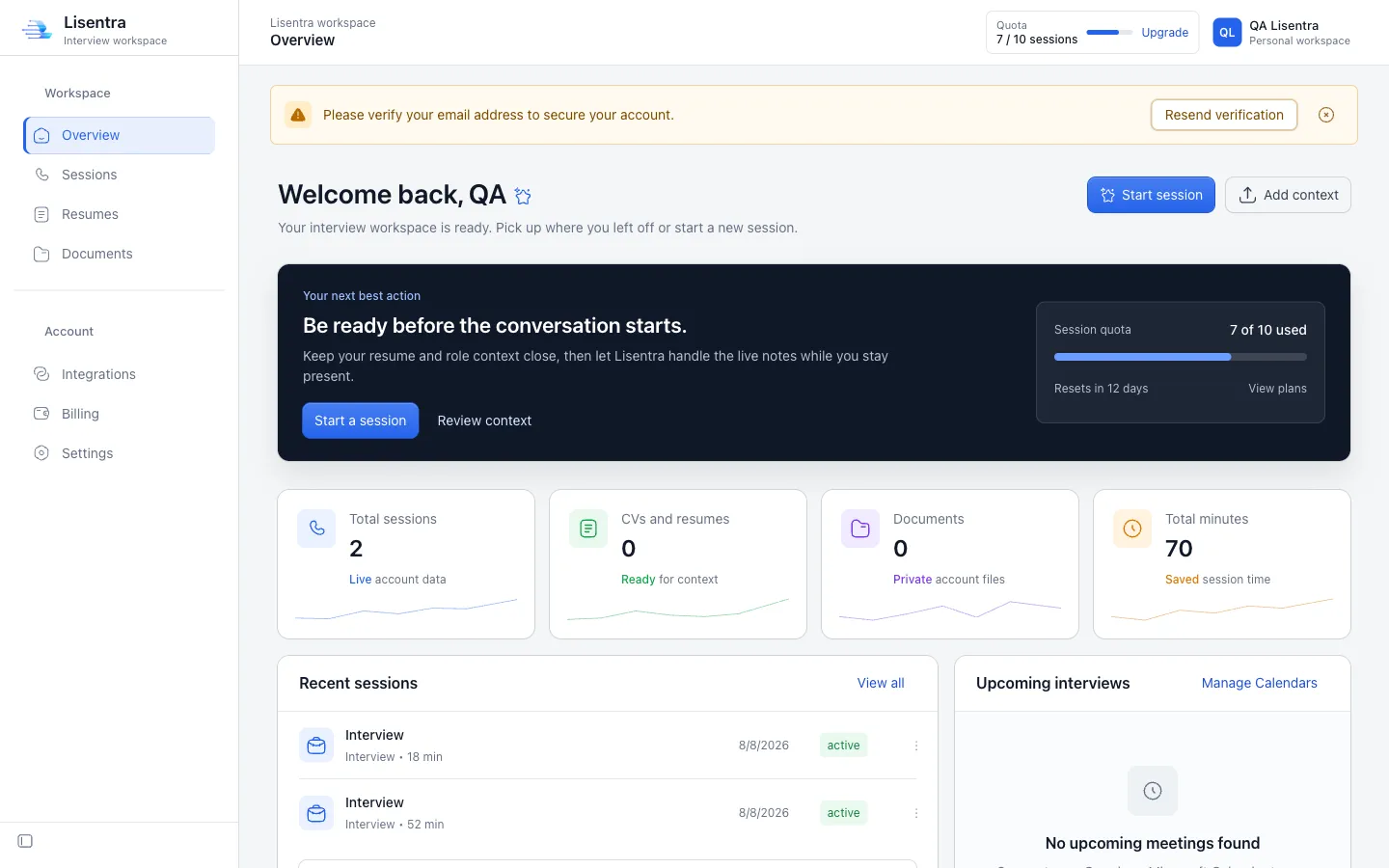
Lisentra interview workspace dashboard
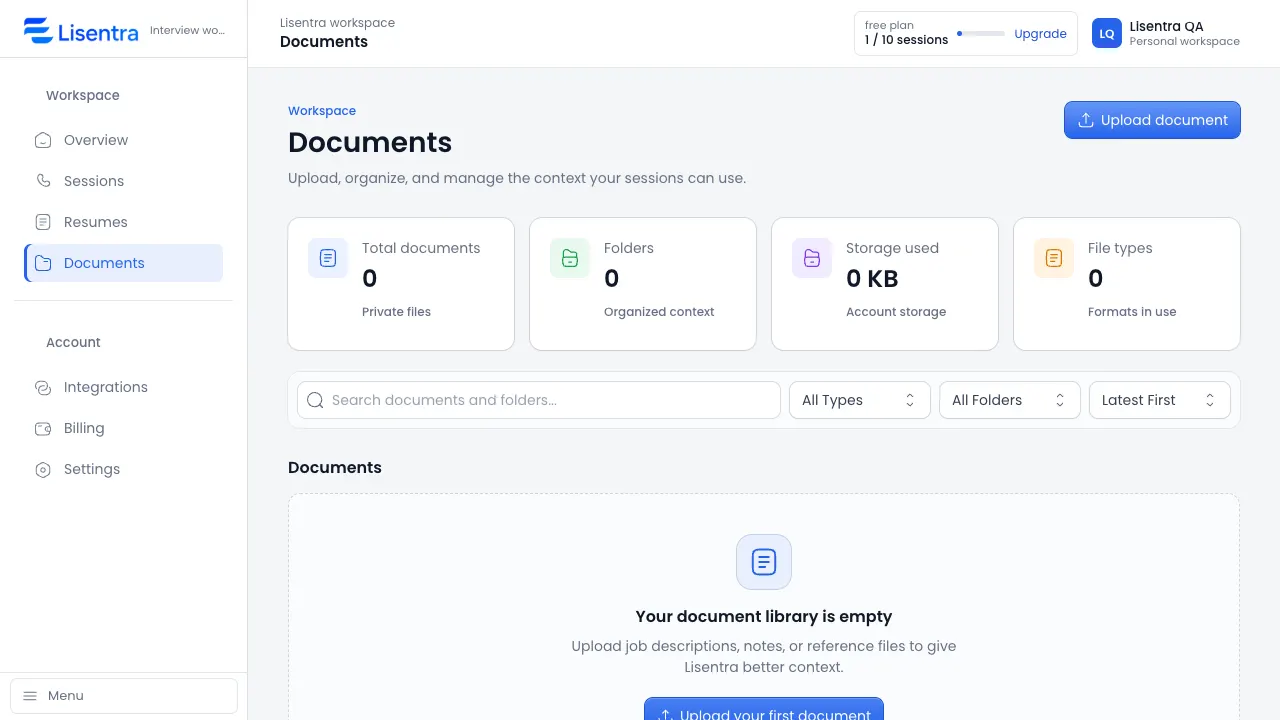
Lisentra Documents workspace showing context files ready for a session

Bring the right context to every conversation.

Add a resume and job description for an interview, or an agenda and meeting brief for a client conversation.

Bắt đầu miễn phí

Tập trung trong khi Lisentra theo kịp cuộc trò chuyện.

Live transcription and grounded AI assistance help you follow the conversation without constantly switching between tools.

Ghi lại cuộc trò chuyện bằng phiên âm trực tiếp.
Keep the context that matters close.
Dùng gợi ý để hỗ trợ, bằng tiếng nói của chính bạn.
Thử một phiên
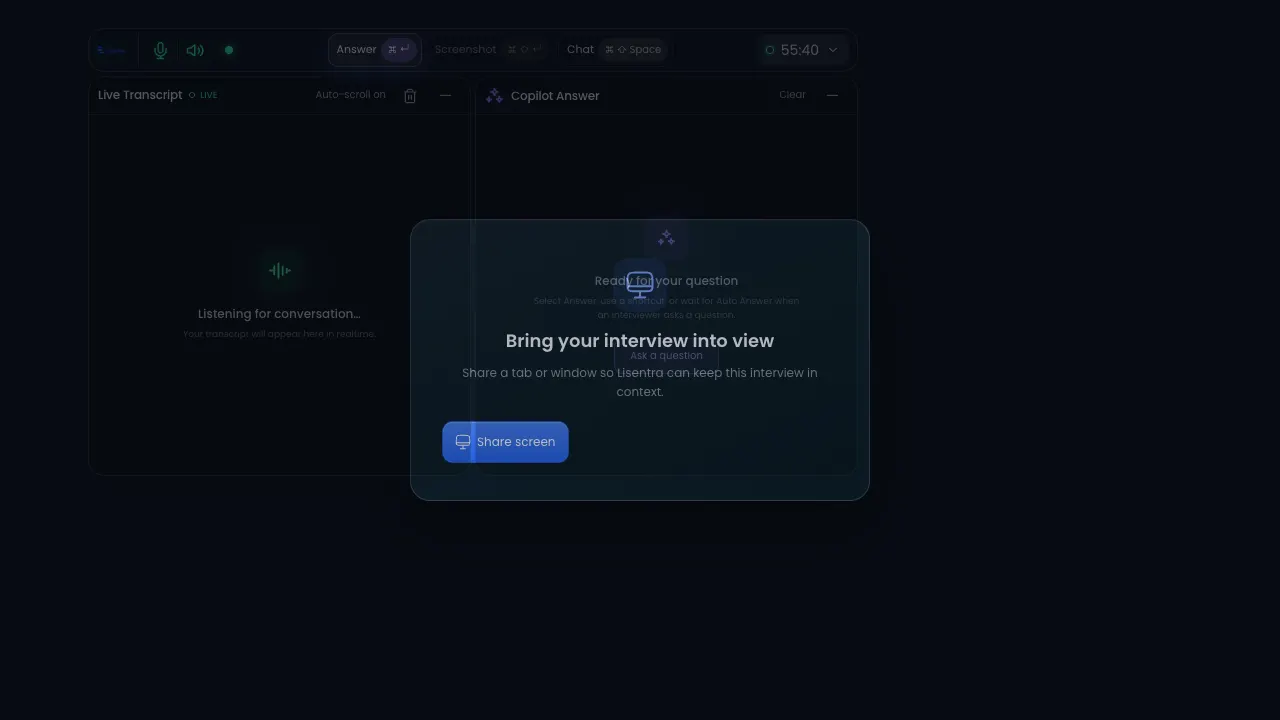
Lisentra live session with transcript and copilot answer panels
One workspace. Two modes.

The right support for the conversation in front of you.

Use the same trusted session, transcript, context, and privacy foundation for interviews or client meetings.

Interview mode

Prepare, answer, improve.

Bring your resume and job description into a focused session, then review strengths, gaps, and improved answers afterward.

  • Resume and job context
  • Live transcript and answer support
  • Interview scorecard and next steps
Client meeting mode

Capture decisions, follow through.

Add an agenda or meeting brief, stay present during the conversation, and turn the transcript into useful follow-up.

  • Agenda and meeting context
  • Decisions, actions, and risks
  • Follow-up message and next steps
One workflow

From context to a calmer conversation.

Prepare with the details you choose, stay present with live support, and revisit the session when it is done.

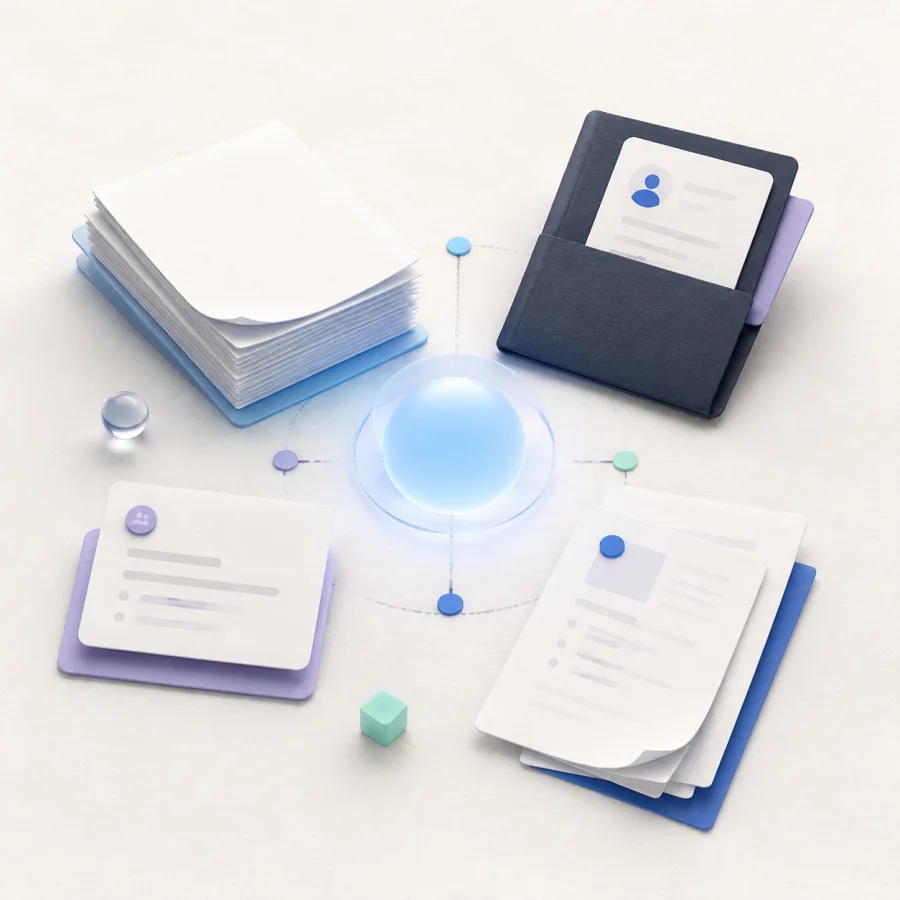
Generated editorial illustration of resume and document context connected around a calm blue center.
Ngữ cảnh

Bring the details that matter.

Resume, meeting brief, and documents.

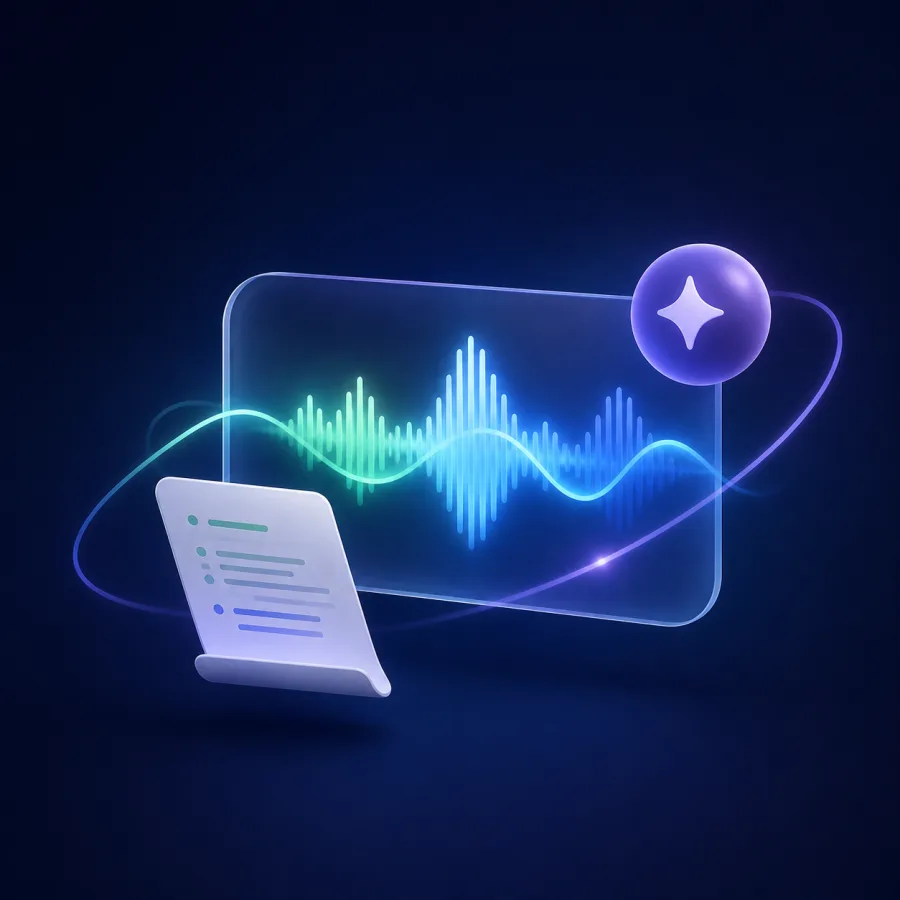
Generated editorial illustration of a live conversation waveform, transcript sheet, and AI support spark.
Live support

Stay present in the conversation.

Live transcript and grounded AI support.

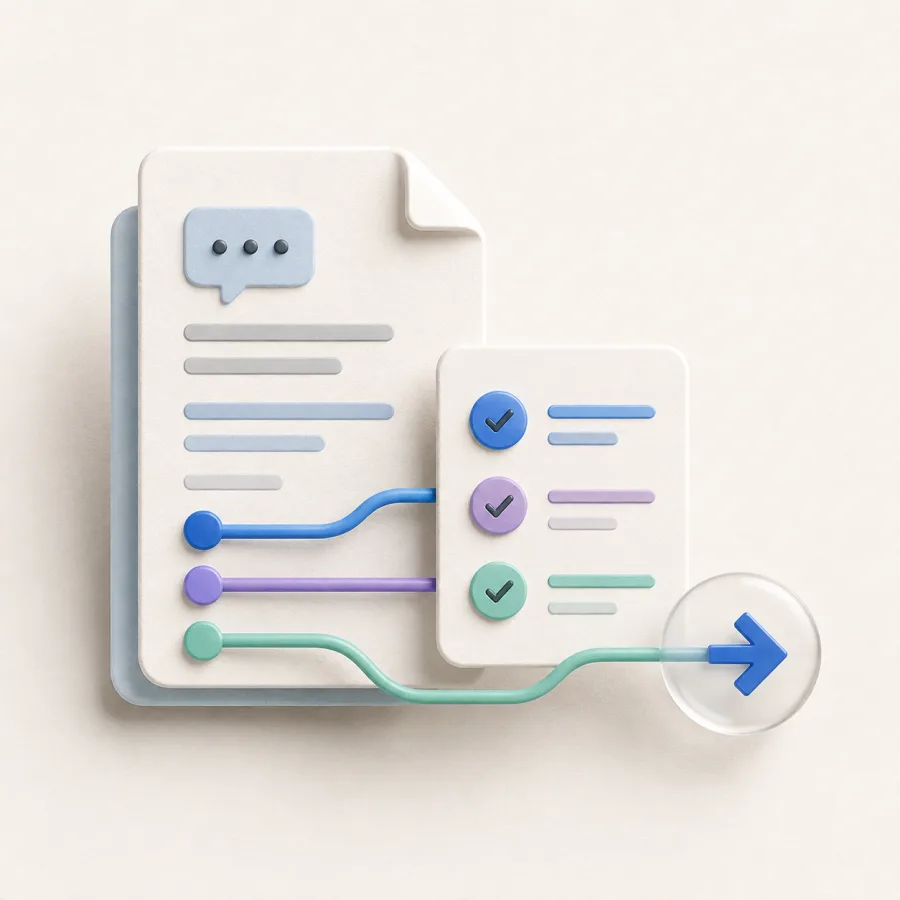
Generated editorial illustration of a saved conversation document, checklist, and forward next-step arrow.
Xem lại

Turn the session into next steps.

Saved transcript, answers, and follow-up.

Relevant context.

Bring the role, agenda, notes, and documents that help you prepare into a reusable session context.

Grounded copilot support.

Use live transcription and AI assistance while keeping your attention on the conversation.

Riêng tư ngay từ thiết kế.

Các phiên, tài liệu, bản ghi và câu trả lời nằm trong workspace của bạn và chỉ được chia sẻ theo lựa chọn của bạn.

A calmer path from context to next steps.

One workspace connects preparation, live support, and review without adding more tools.

Context illustration showing a resume, job description, and documents ready for a session.
Context: Session context. Ready for your workflow. Resume, Job description, Documents.
1 nơi

Your conversation context

Resume, role details, agendas, notes, and documents are ready when you need them.

Trực tiếp

Transcription and assistance

Theo kịp cuộc trò chuyện mà không mất góc nhìn của riêng bạn.

Live support illustration showing transcript and grounded AI assistance during a conversation.
Live support: Conversation in view. Transcript + AI support. Live transcript, AI support, Listening.
Riêng tư

Riêng tư ngay từ thiết kế

Giữ phần chuẩn bị và lịch sử phiên trong một tài khoản do bạn kiểm soát.

Chuẩn bị với ngữ cảnh phù hợp.

Đi qua quy trình theo thứ tự tự nhiên với bạn.

Thêm ngữ cảnh.

Tải lên CV, mô tả công việc, ghi chú hoặc tài liệu tham khảo cho phiên của bạn.

Chạy phiên trực tiếp.

Dùng phiên âm trực tiếp và gợi ý AI trong khi vẫn tập trung vào cuộc trò chuyện.

Xem lại và cải thiện.

Quay lại bản ghi và câu trả lời để phiên tiếp theo tốt hơn.

Phiên trực tiếpĐang hoạt động
AICó hỗ trợ trả lời

Choose the conversation support that fits your workflow.

ƯU ĐÃI LỚN

Miễn phí

Dành cho việc thử quy trình trò chuyện cốt lõi.

$0 /Tháng

Mua ngay

Tính năng bao gồm:

  • 10 sessions per month
  • Ngữ cảnh CV và tài liệu
  • Lịch sử phiên
  • Chế độ luyện tập
  • Gợi ý trả lời AI

Pro

For frequent interviewers and client conversations.

$19 /Tháng

Mua ngay

Tính năng bao gồm:

  • Số phiên không giới hạn
  • Ngữ cảnh CV và tài liệu
  • Ngữ cảnh lịch chỉ đọc
  • Gợi ý trả lời AI
  • Hỗ trợ ưu tiên

Team

Shared workspaces are in development. Join the waitlist for updates.

Sắp ra mắt

Sắp ra mắt

Planned for Team:

  • Mọi thứ trong Pro
  • Thiết lập ngữ cảnh tùy chỉnh
  • Workspace nhóm
  • Ghi chú phỏng vấn dùng chung
  • Hướng dẫn bắt đầu riêng

Ý tưởng để chuẩn bị phỏng vấn tốt hơn.

Bạn có câu hỏi về Lisentra?

Đây là câu trả lời cho những câu hỏi thường gặp trước khi bắt đầu phiên đầu tiên.

Lisentra là gì?
Lisentra là workspace ưu tiên ngữ cảnh để chuẩn bị, thực hiện và xem lại phỏng vấn cùng cuộc họp khách hàng.
What documents can I add?
Add PDF, DOCX, TXT, or MD files, plus context you enter manually, so your session can use the details that matter.
Tôi có thể dùng Lisentra để luyện tập không?
Có. Bắt đầu phiên luyện tập để thử phiên âm và gợi ý AI trước buổi phỏng vấn hoặc cuộc trò chuyện quan trọng với khách hàng.
Lisentra có hoạt động trên trình duyệt và ứng dụng desktop không?
Lisentra hỗ trợ dashboard trình duyệt và quy trình desktop để bạn chọn thiết lập phù hợp.
What is the difference between Interview and Client Meeting mode?
Interview mode focuses on role context, answer support, and review. Client Meeting mode is designed for agendas, decisions, action items, risks, and follow-up.
Are AI suggestions based on my context?
Lisentra uses the context and documents you select for the session. Review suggestions before using them.
Can I use Lisentra during an interview or meeting?
Only use AI assistance where the interviewer, meeting host, or applicable rules allow it.
How long does Lisentra keep my data?
Your data remains in your workspace until you delete it, subject to the Privacy Policy.

Sẵn sàng trước khi cuộc trò chuyện bắt đầu.

Bắt đầu miễn phí
Có chế độ luyện tập.Workspace riêng tư ngay từ thiết kế.