

Prepare interviews and client meetings with Lisentra’s context-first workspace.

Bring the right context.
Have better conversations.

Prepare with your resume, job description, agenda, and notes. Stay present with live transcription and grounded AI support, then review what matters afterward.

Empieza con el modo de práctica. No necesitas tarjeta de crédito.
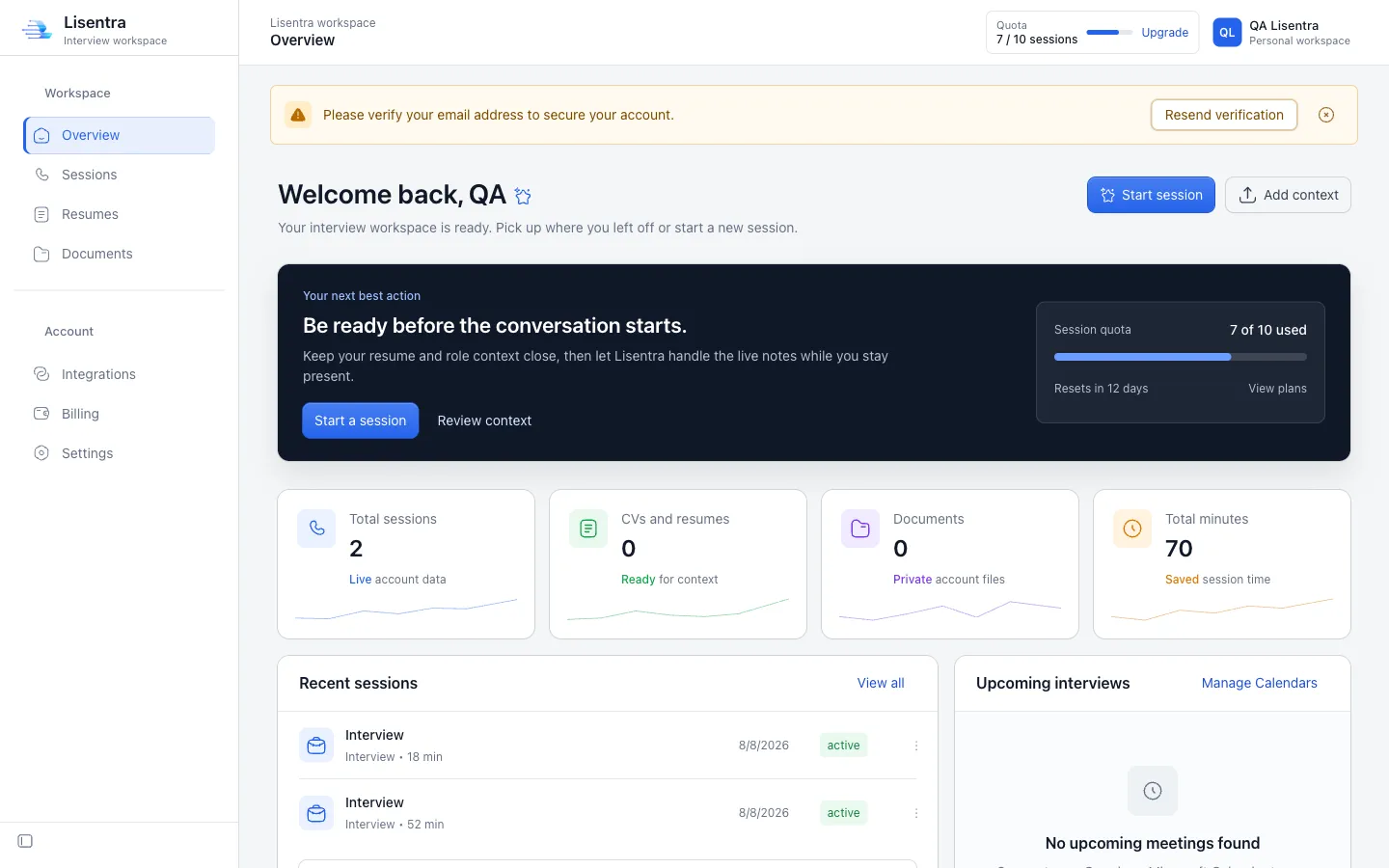
Lisentra interview workspace dashboard
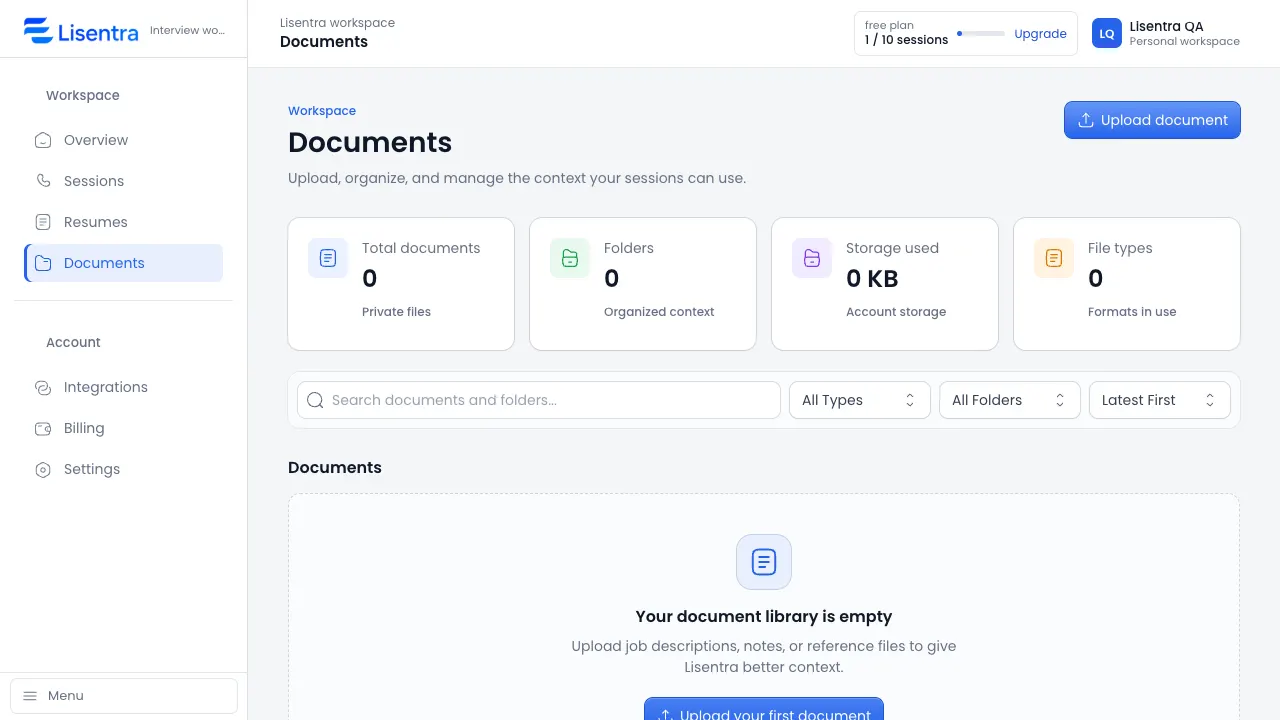
Lisentra Documents workspace showing context files ready for a session

Bring the right context to every conversation.

Add a resume and job description for an interview, or an agenda and meeting brief for a client conversation.

Empieza gratis

Mantente presente mientras Lisentra sigue el ritmo.

Live transcription and grounded AI assistance help you follow the conversation without constantly switching between tools.

Captura la conversación con transcripción en vivo.
Keep the context that matters close.
Usa las sugerencias como apoyo, con tu propia voz.
Prueba una sesión
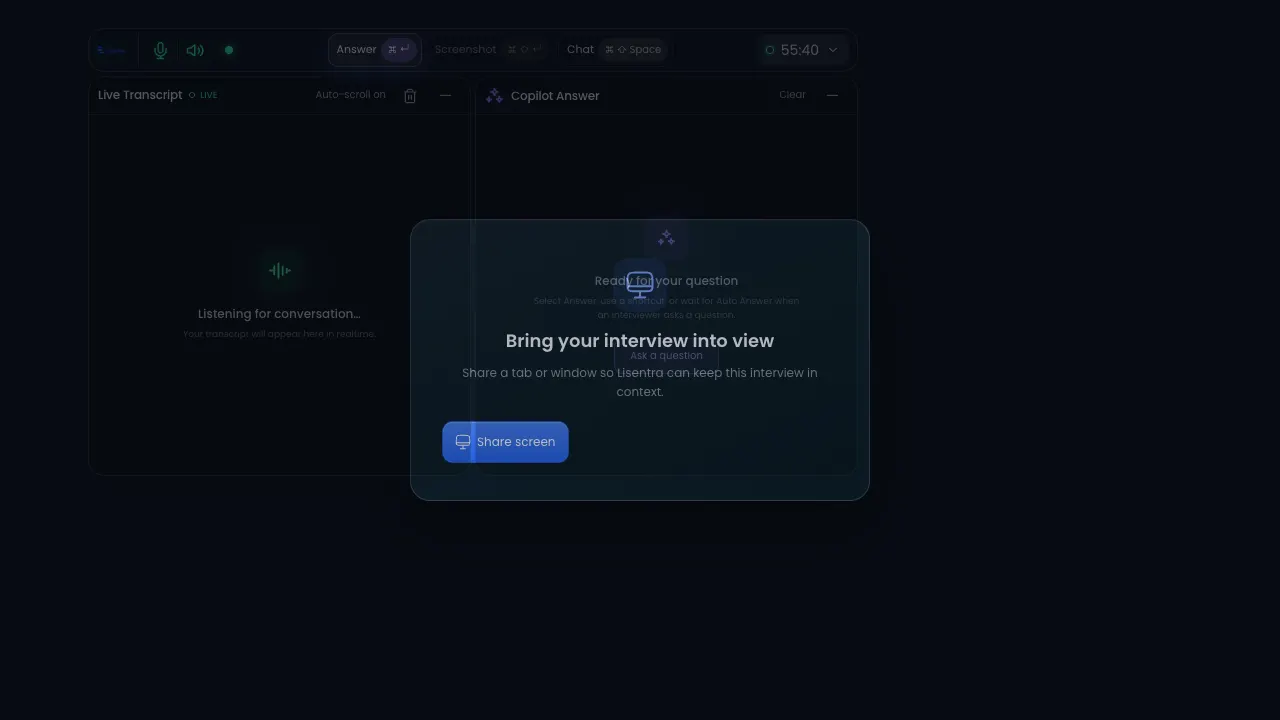
Lisentra live session with transcript and copilot answer panels
One workspace. Two modes.

The right support for the conversation in front of you.

Use the same trusted session, transcript, context, and privacy foundation for interviews or client meetings.

Interview mode

Prepare, answer, improve.

Bring your resume and job description into a focused session, then review strengths, gaps, and improved answers afterward.

  • Resume and job context
  • Live transcript and answer support
  • Interview scorecard and next steps
Client meeting mode

Capture decisions, follow through.

Add an agenda or meeting brief, stay present during the conversation, and turn the transcript into useful follow-up.

  • Agenda and meeting context
  • Decisions, actions, and risks
  • Follow-up message and next steps
One workflow

From context to a calmer conversation.

Prepare with the details you choose, stay present with live support, and revisit the session when it is done.

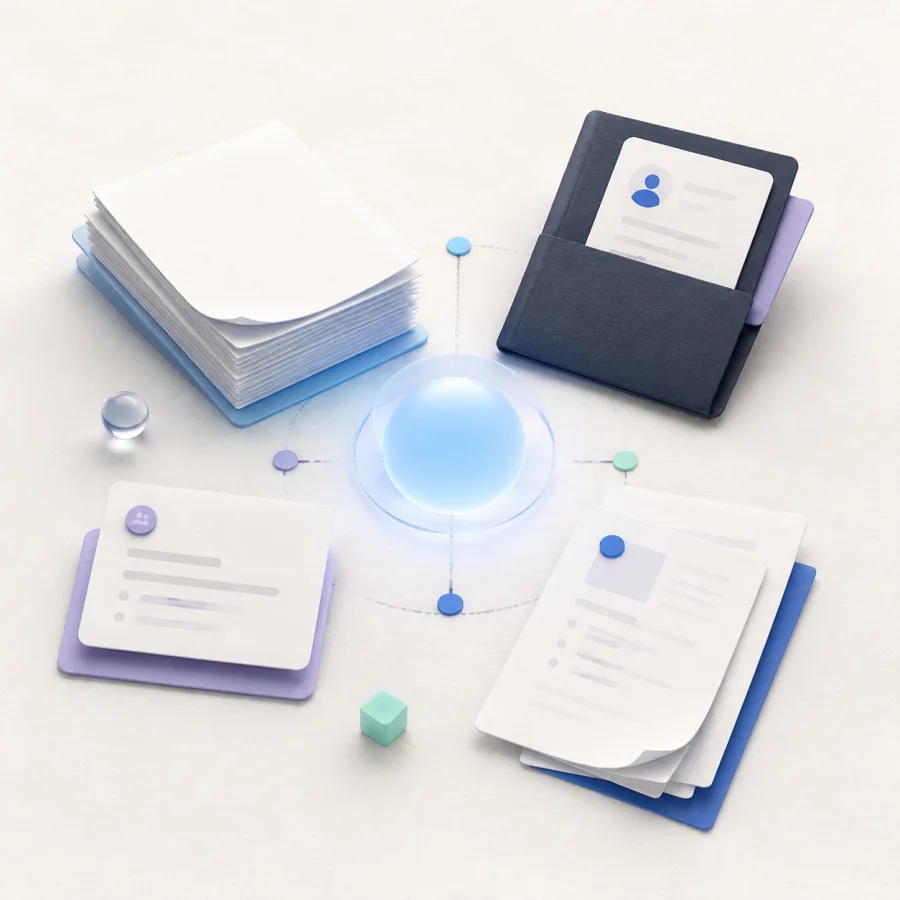
Generated editorial illustration of resume and document context connected around a calm blue center.
Contexto

Bring the details that matter.

Resume, meeting brief, and documents.

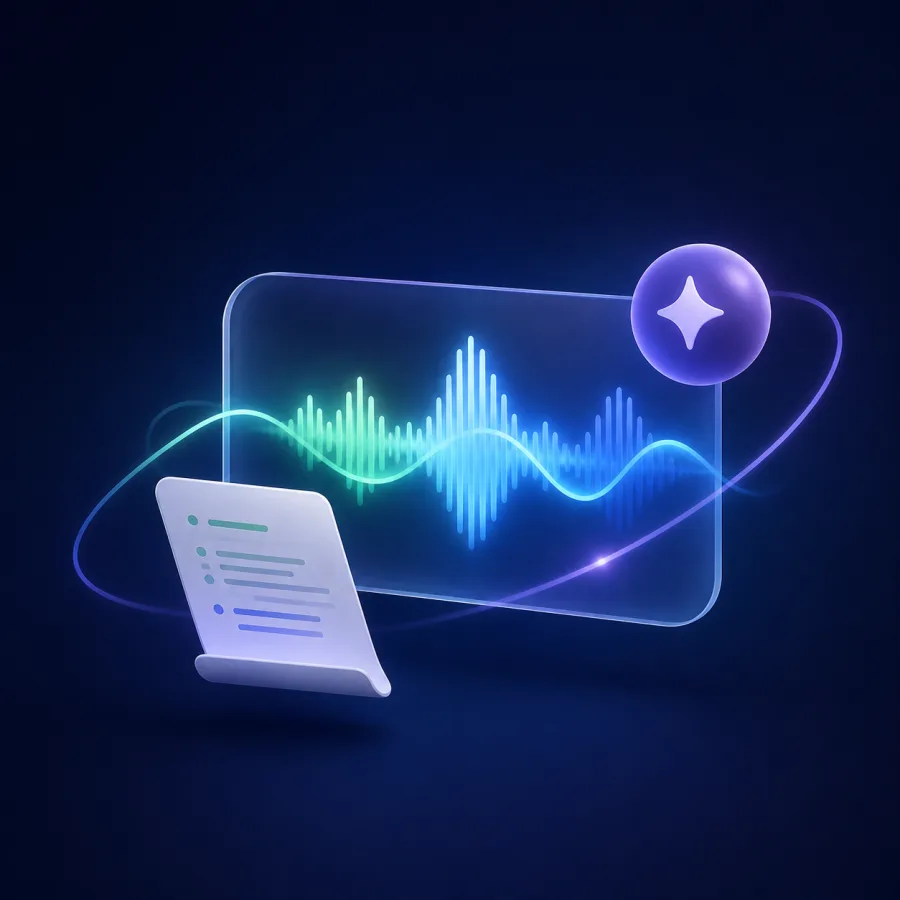
Generated editorial illustration of a live conversation waveform, transcript sheet, and AI support spark.
Live support

Stay present in the conversation.

Live transcript and grounded AI support.

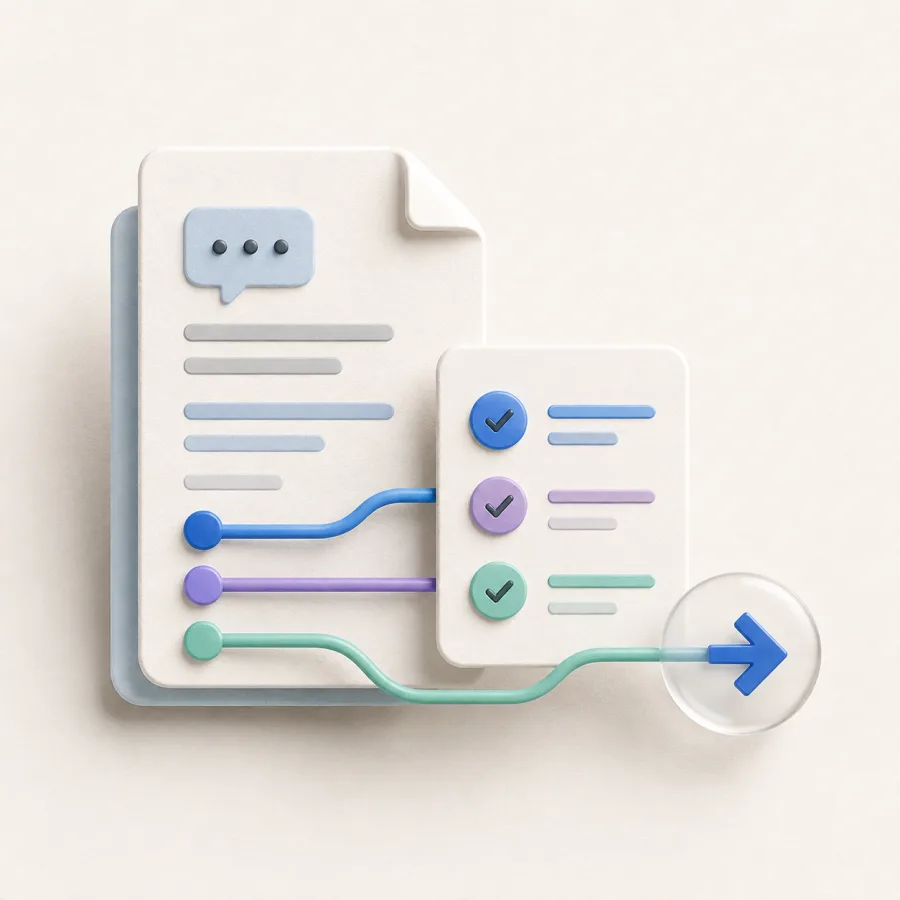
Generated editorial illustration of a saved conversation document, checklist, and forward next-step arrow.
Revisión

Turn the session into next steps.

Saved transcript, answers, and follow-up.

Relevant context.

Bring the role, agenda, notes, and documents that help you prepare into a reusable session context.

Grounded copilot support.

Use live transcription and AI assistance while keeping your attention on the conversation.

Privado por diseño.

Tus sesiones, documentos, transcripciones y respuestas permanecen en tu espacio y solo se comparten cuando tú lo decides.

A calmer path from context to next steps.

One workspace connects preparation, live support, and review without adding more tools.

Context illustration showing a resume, job description, and documents ready for a session.
Context: Session context. Ready for your workflow. Resume, Job description, Documents.
1 lugar

Your conversation context

Resume, role details, agendas, notes, and documents are ready when you need them.

En vivo

Transcription and assistance

Sigue la conversación sin perder tu propio punto de vista.

Live support illustration showing transcript and grounded AI assistance during a conversation.
Live support: Conversation in view. Transcript + AI support. Live transcript, AI support, Listening.
Privado

Privado por diseño

Mantén tu preparación y el historial de sesiones en una cuenta bajo tu control.

Prepárate con el contexto que importa.

Recorre el flujo en el orden que te resulte natural.

Añade contexto.

Sube un currículum, descripción del puesto, notas o documento de referencia para tu sesión.

Inicia una sesión en vivo.

Usa la transcripción en vivo y las sugerencias de IA mientras sigues en la conversación.

Revisa y mejora.

Vuelve a la transcripción y las respuestas para mejorar la próxima sesión.

Sesión en vivoActivo
IAApoyo para respuestas disponible

Choose the conversation support that fits your workflow.

OFERTA ESPECIAL

Gratis

Para probar el flujo básico de conversaciones.

$0 /Mes

Comprar ahora

Funciones incluidas:

  • 10 sessions per month
  • Contexto del currículum y los documentos
  • Historial de sesiones
  • Modo de práctica
  • Sugerencias de respuestas de IA

Pro

For frequent interviewers and client conversations.

$19 /Mes

Comprar ahora

Funciones incluidas:

  • Sesiones ilimitadas
  • Contexto del currículum y los documentos
  • Contexto de calendario de solo lectura
  • Sugerencias de respuestas de IA
  • Soporte prioritario

Team

Shared workspaces are in development. Join the waitlist for updates.

Próximamente

Próximamente

Planned for Team:

  • Todo lo incluido en Pro
  • Configuración de contexto personalizada
  • Espacio de equipo
  • Notas de entrevista compartidas
  • Incorporación dedicada

Ideas para preparar mejor tus entrevistas.

¿Preguntas sobre Lisentra?

Aquí están las respuestas a las preguntas más comunes antes de empezar la primera sesión.

¿Qué es Lisentra?
Lisentra es un espacio basado en contexto para preparar, realizar y revisar entrevistas y reuniones con clientes.
What documents can I add?
Add PDF, DOCX, TXT, or MD files, plus context you enter manually, so your session can use the details that matter.
¿Puedo usar Lisentra para practicar?
Sí. Inicia una sesión de práctica para probar la transcripción y las sugerencias antes de una entrevista o conversación importante con un cliente.
¿Lisentra funciona en el navegador y la app de escritorio?
Lisentra admite el panel del navegador y el flujo de escritorio para que elijas la configuración adecuada.
What is the difference between Interview and Client Meeting mode?
Interview mode focuses on role context, answer support, and review. Client Meeting mode is designed for agendas, decisions, action items, risks, and follow-up.
Are AI suggestions based on my context?
Lisentra uses the context and documents you select for the session. Review suggestions before using them.
Can I use Lisentra during an interview or meeting?
Only use AI assistance where the interviewer, meeting host, or applicable rules allow it.
How long does Lisentra keep my data?
Your data remains in your workspace until you delete it, subject to the Privacy Policy.

Prepárate antes de que empiece la conversación.

Empieza gratis
Modo de práctica incluido.Un espacio privado desde el diseño.